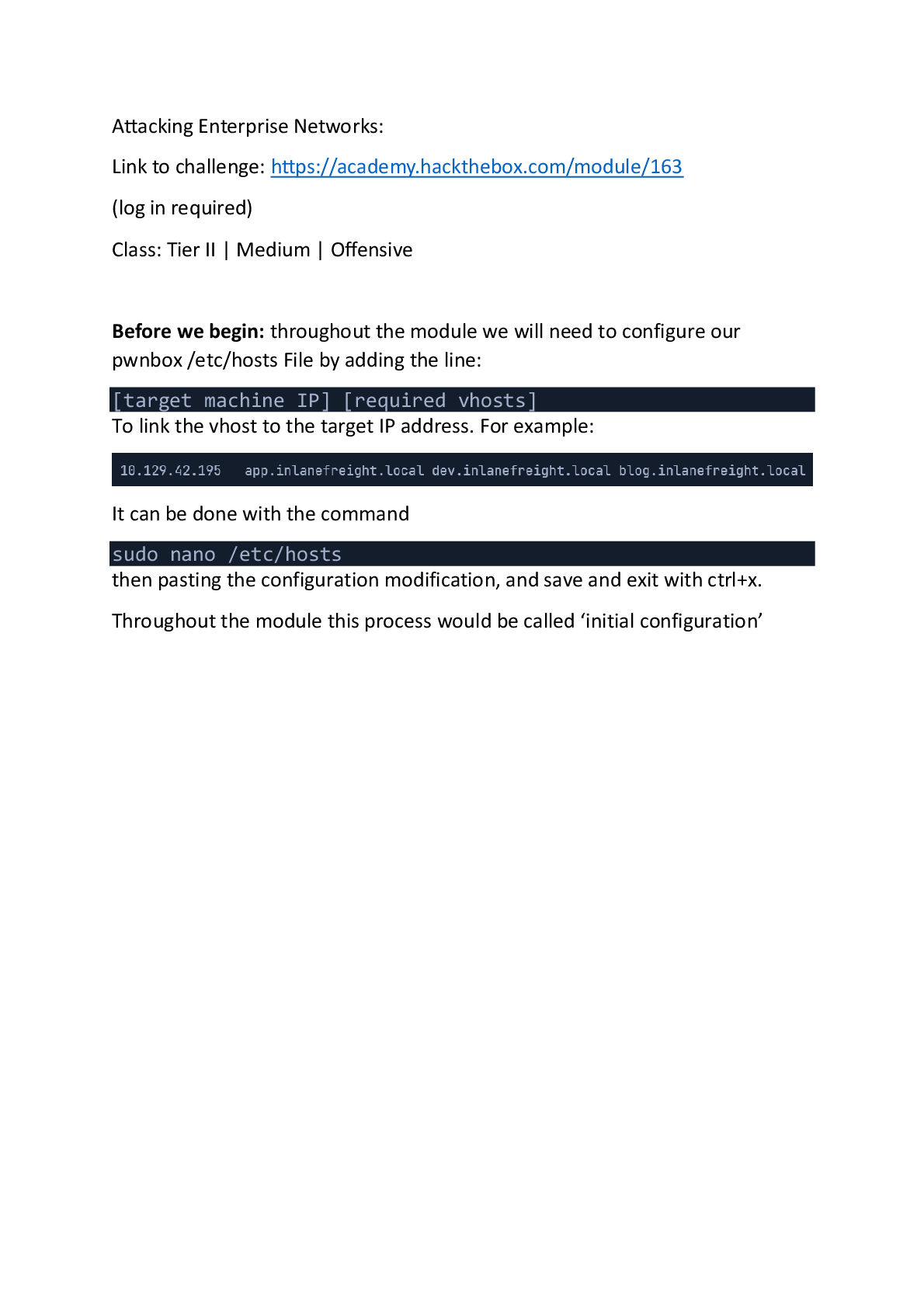
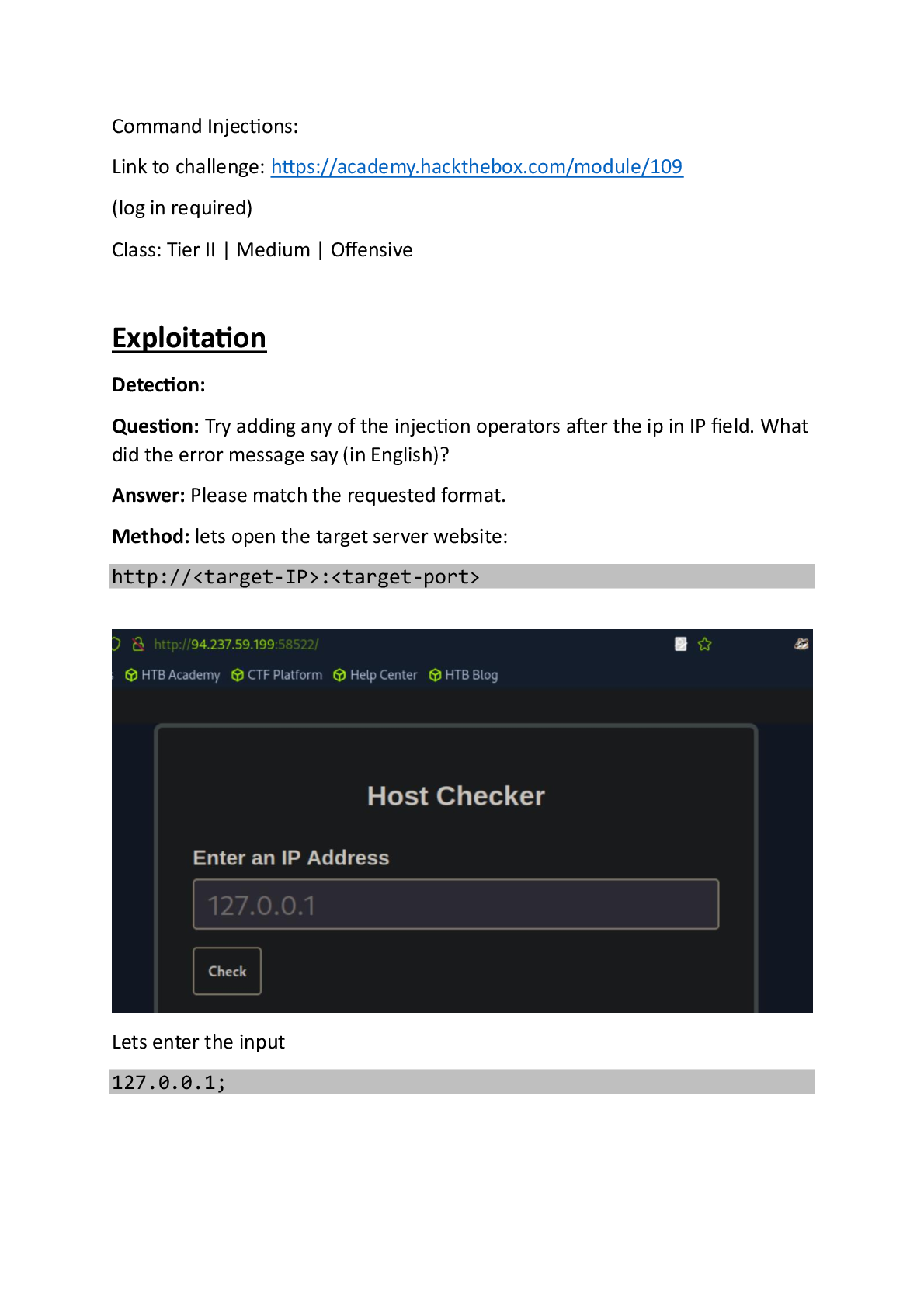
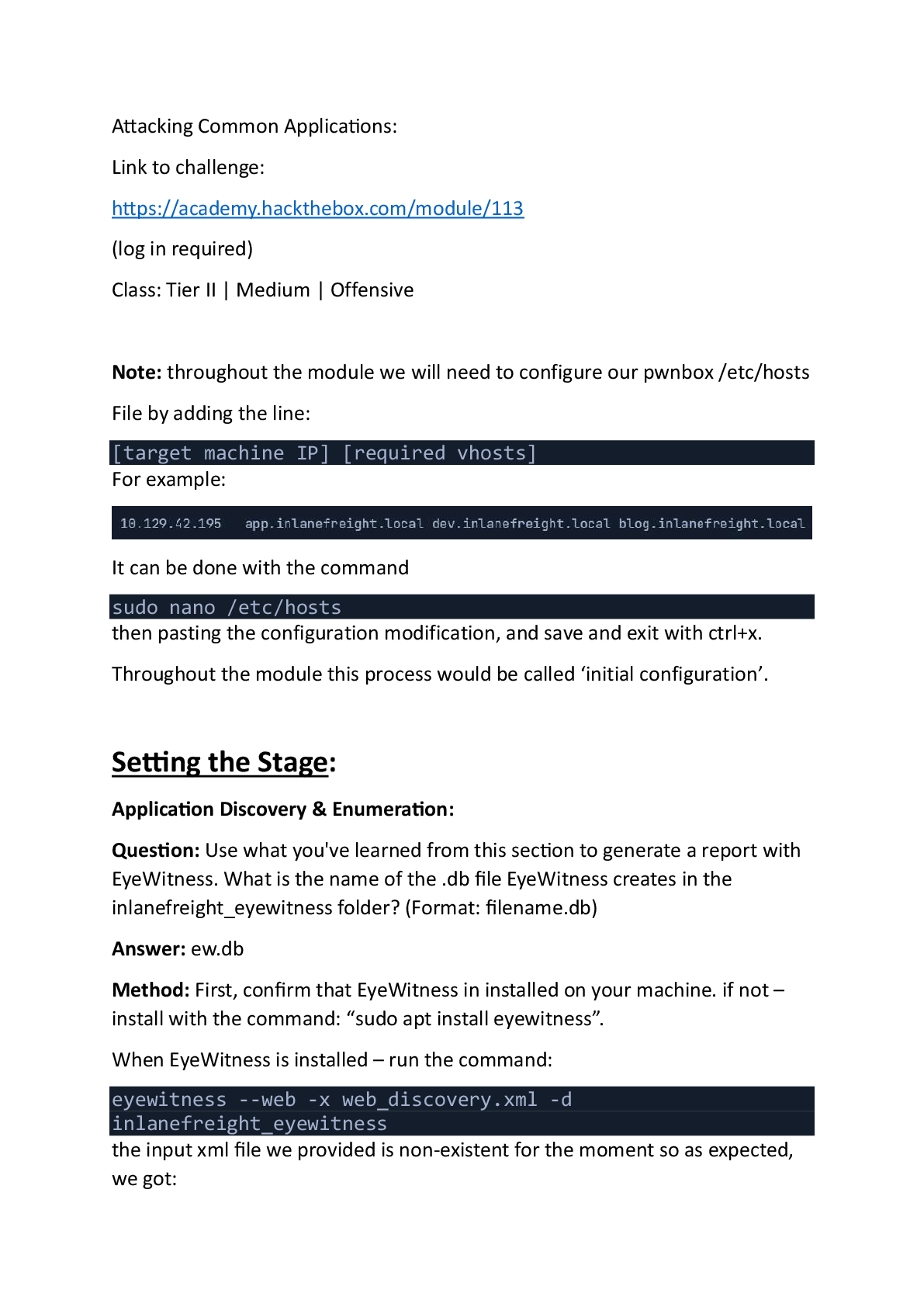
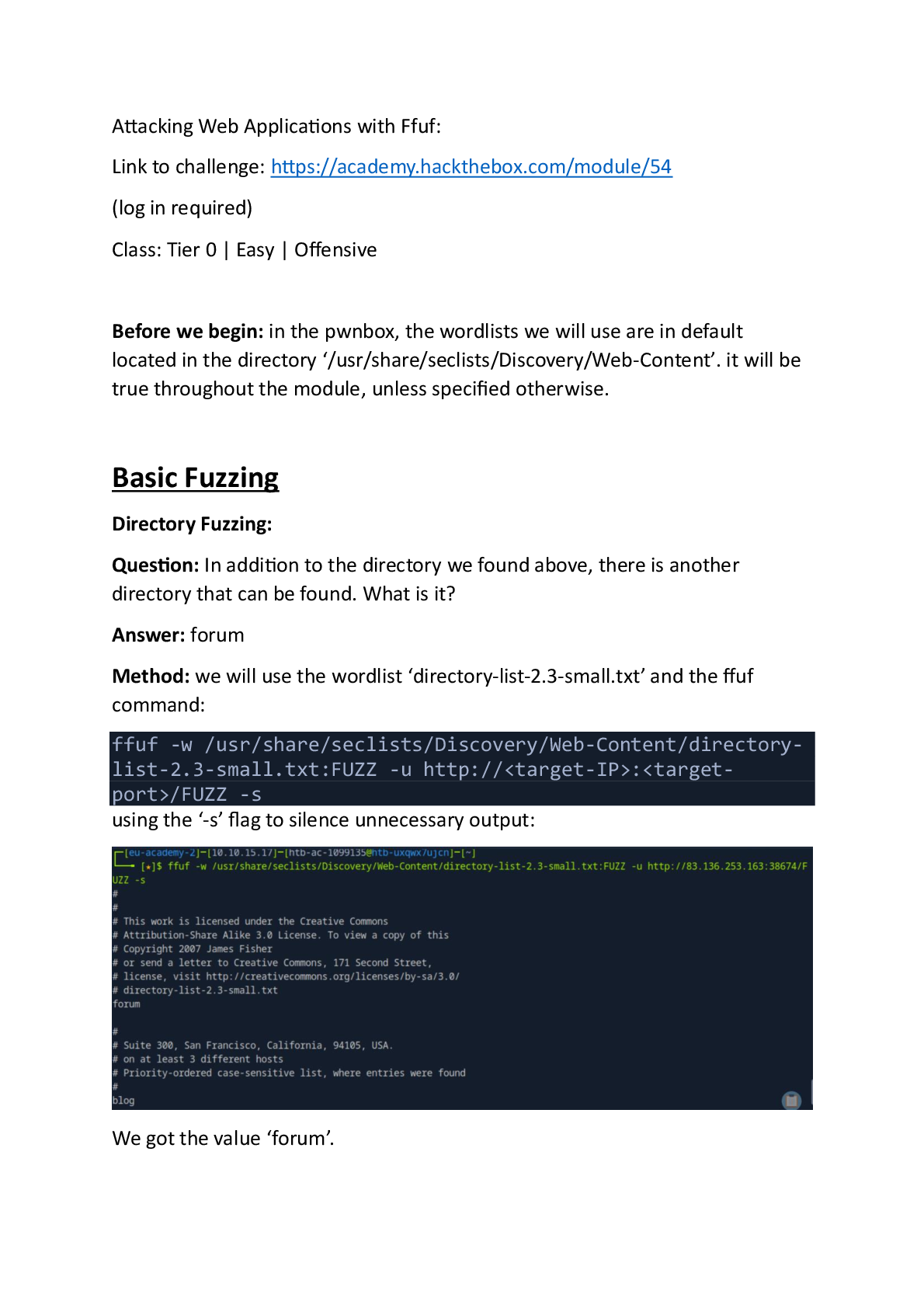
Active Directory Enumeration & Attacks:
Link to challenge: https://academy.hackthebox.com/module/143/
(log in required)
Class: Tier II | Medium | Offensive
Before we begin: throughout the module we will be requested
...
Active Directory Enumeration & Attacks:
Link to challenge: https://academy.hackthebox.com/module/143/
(log in required)
Class: Tier II | Medium | Offensive
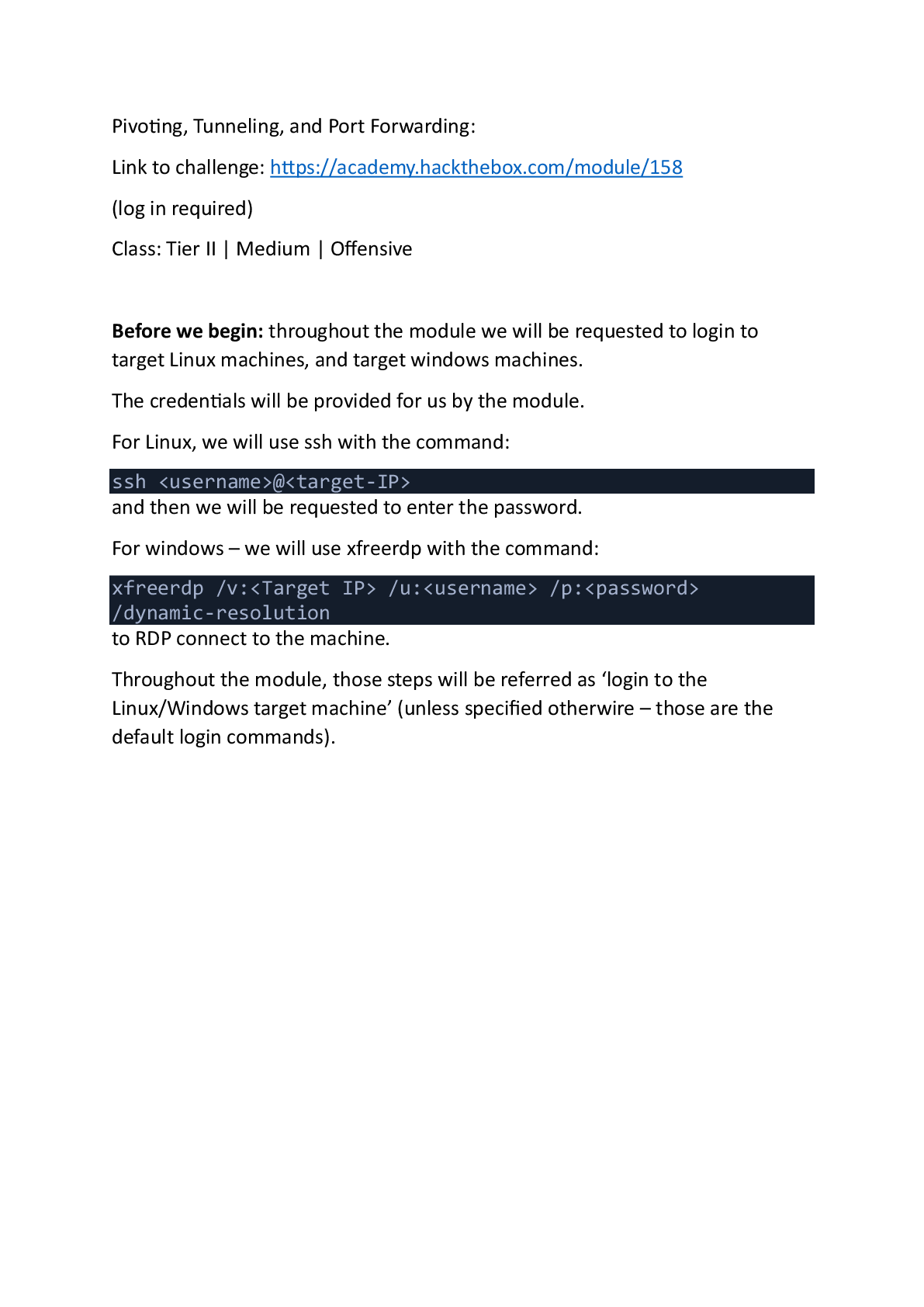
Before we begin: throughout the module we will be requested to login to target Linux machines, and target windows machines.
The credentials will be provided for us by the module.
For Linux, we will use ssh with the command:
ssh
@
and then we will be requested to enter the password.
For windows – we will use xfreerdp with the command:
xfreerdp /v: /u: /p: /dynamic-resolution
Throughout the module, those steps will be referred as ‘login to the Linux/Windows target machine’.
*all Windows powershell commands assume cd of ‘C:\tools’ unless specified otherwise *
Initial Enumeration
External Recon and Enumeration Principles:
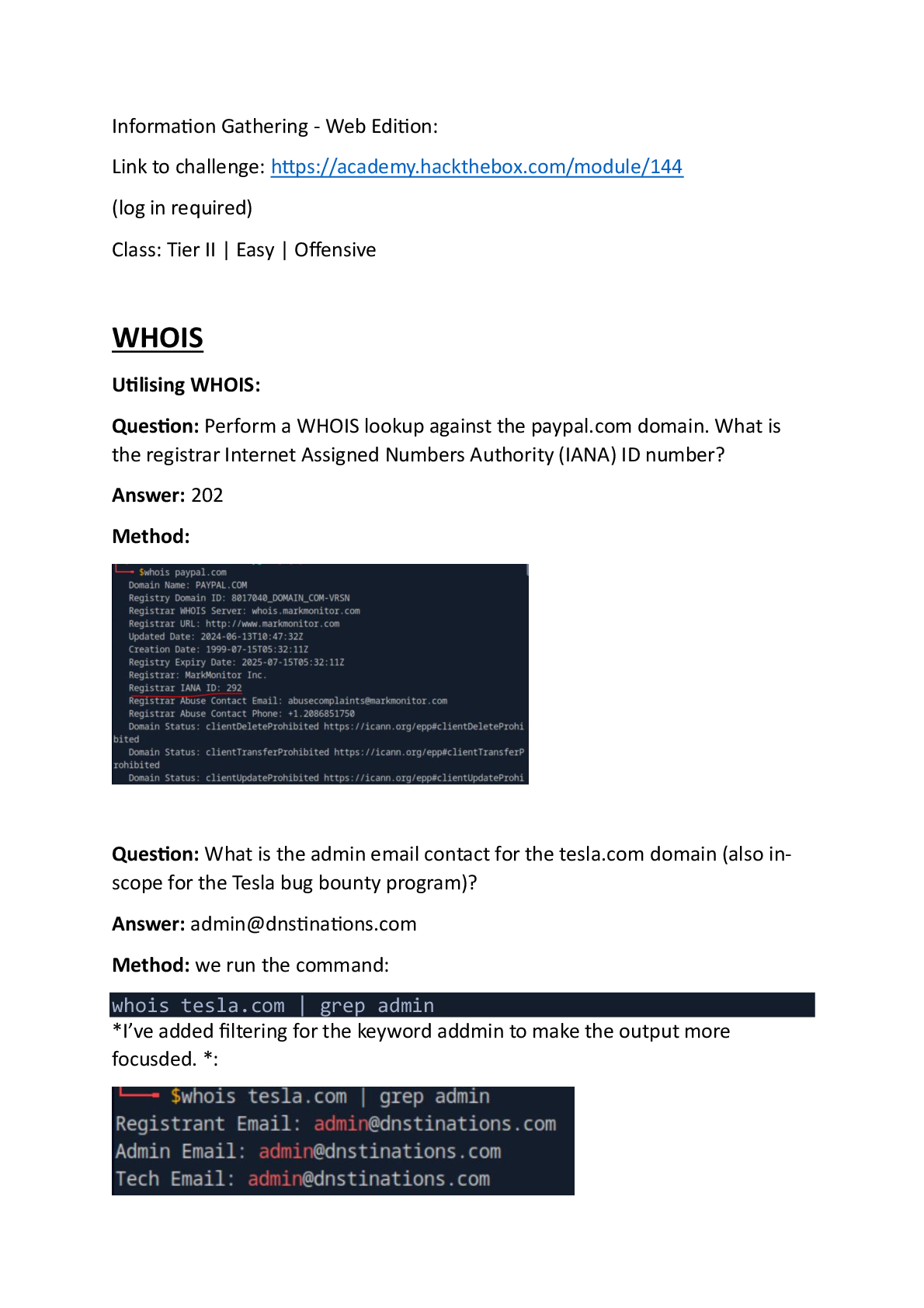
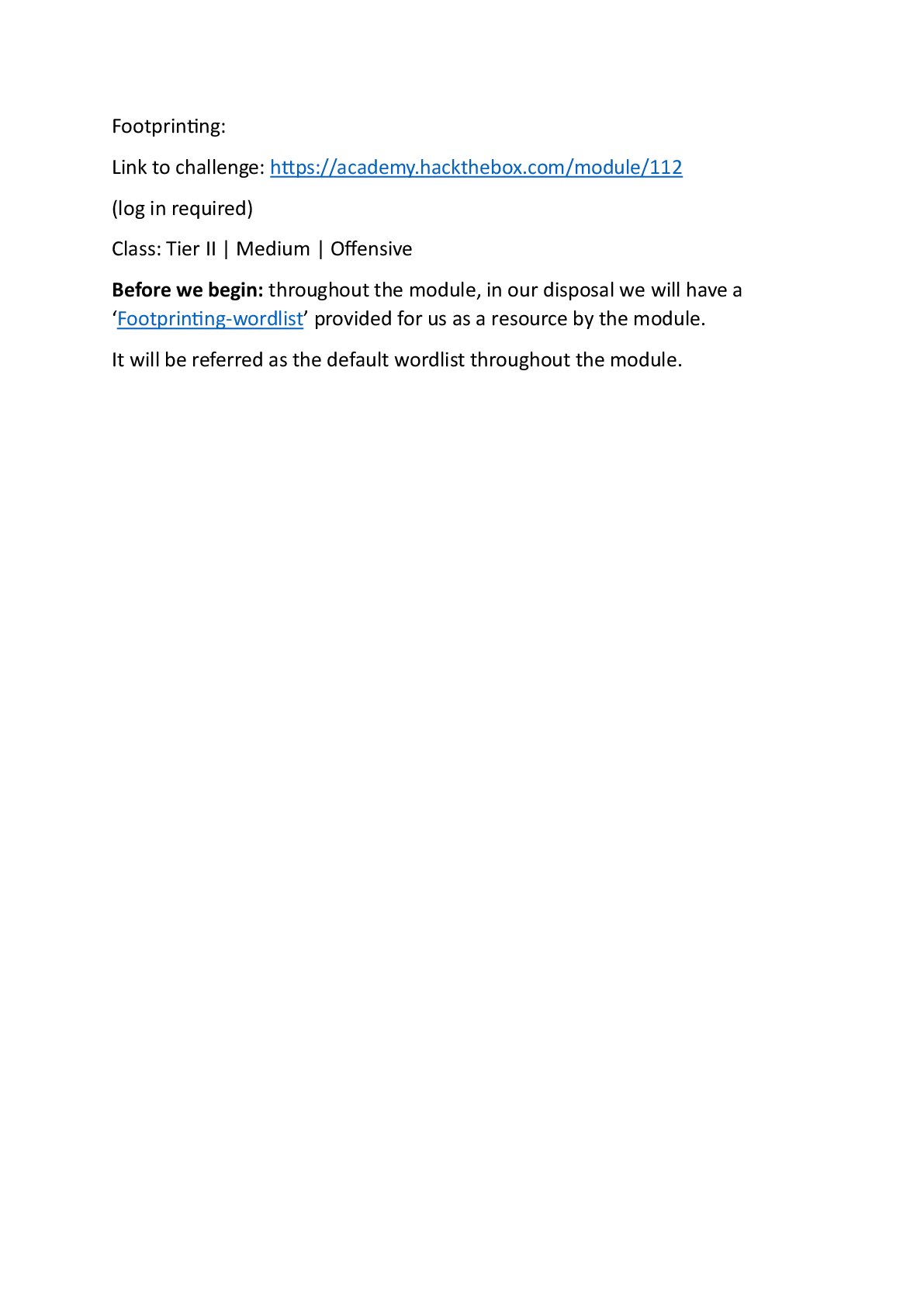
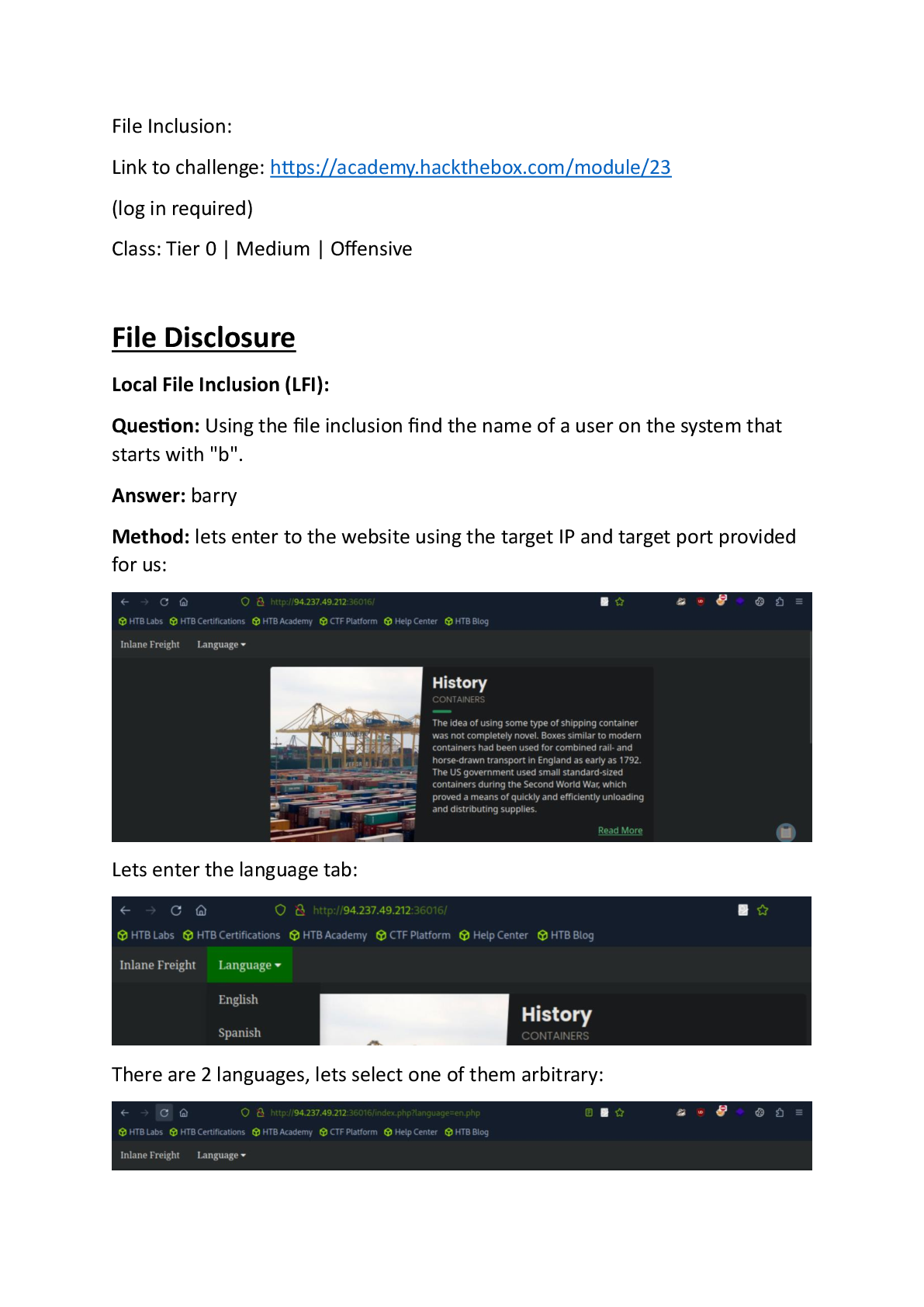
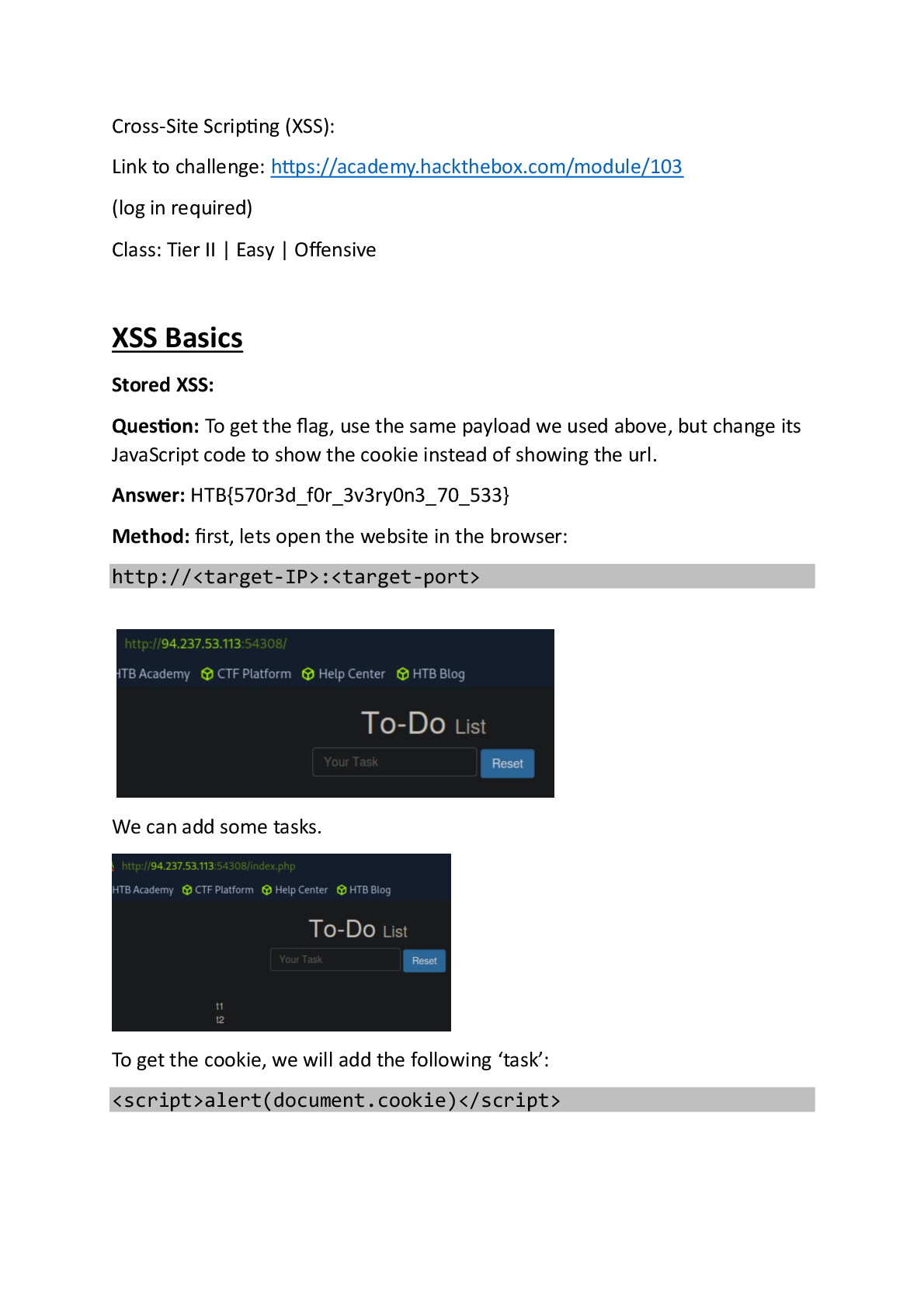
Question: While looking at inlanefreights public records; A flag can be seen. Find the flag and submit it. ( format == HTB{******} )
Answer: HTB{5Fz6UPNUFFzqjdg0AzXyxCjMZ}
Method: we will search on google the string:
‘intext:"HTB{" inurl:inlanefreight.com’ – we are told the string is in format of ‘HTB{**}’, by necessarily the substring ‘intext:"HTB{‘ will appear.
So we search that string within the url ‘inlanefreight.com’ (its google patterned search).
Lets search:
After several results we see this:
Where the flag is visible to us in the preview of the website.
We can take that already, but in this module guide we will go into the website anyway, enter the link and scroll down.
Somewhere within the page – we see this:
.
*note – be careful of misdirection, at first I searched for ‘HTB{*****}’ - and this result was here. But that was not the answer. *
Initial Enumeration of the Domain:
Question: From your scans, what is the "commonName" of host 172.16.5.5 ?
Answer: ACADEMY-EA-DC01.INLANEFREIGHT.LOCAL
Method: lets rehearse what is Common name – common name is an attribute of Active directory object that represents the object, it parts of the attribute ‘DN’- distinguished name which purpose is to make the object distinguishable from other objects.
First, we login the target Linux machine.
Now, to find the common name on ‘172.16.5.5’ – we will perform aggressive NMAP:
nmap -A 172.16.5.5
the ‘-A’ flag performs deeper investigation of open ports, one of which at certain cases is service enumeration.
Now lets observe on the scan results:
We can find the common name on the LDAP (lightweight directory access protocol). We can find further evidences here:
and here:
All of those services are communication with the host’s object’s active directory, and for that they need its common name.
Question: What host is running "Microsoft SQL Server 2019 15.00.2000.00"? (IP address, not Resolved name)
Answer: 172.16.5.130
Method: we will run the following sequence of commands:
First command:
touch alive_hosts.txt
the ‘touch’ command creates a file of ‘alive_hosts.txt’.
The next command would be ‘fping’ network scanning tool, for that we need the network address and subnet mask, we will obtain that with
route -n
There are several interfaces running, but for our purpose the correct interface is ‘ens224’:
We can observe that the network address is ‘17216.4.0’ and the netmask is ‘225:225:224:0’.
Now that we have that, we can run the ‘fping’:
fping -asgq 172.16.4.0/23 > alive_hosts.txt
The ‘fping’ tool scans the network with the following flags:
And outputs the results to ‘alive_hosts.txt’.
We have 3 targets active.
Time to scan them for activity in port 1433 – SQL port, we will need -sV (service information) enabled to obtain data about the SQL server details and version.
We will use the command:
nmap -p 1433 -sV -iL alive_hosts.txt | | grep -B 4 "Microsoft SQL Server 2019"
the commands performs nmap scan on SQL port 1433 with enhanced service inspection for details and version enabled (-sV), takes its input hosts from alive_host.txt, and filter the results for the 4 lines relevant to the string “Microsoft SQL Server 2019”:
Preview 10 out of 132 pages