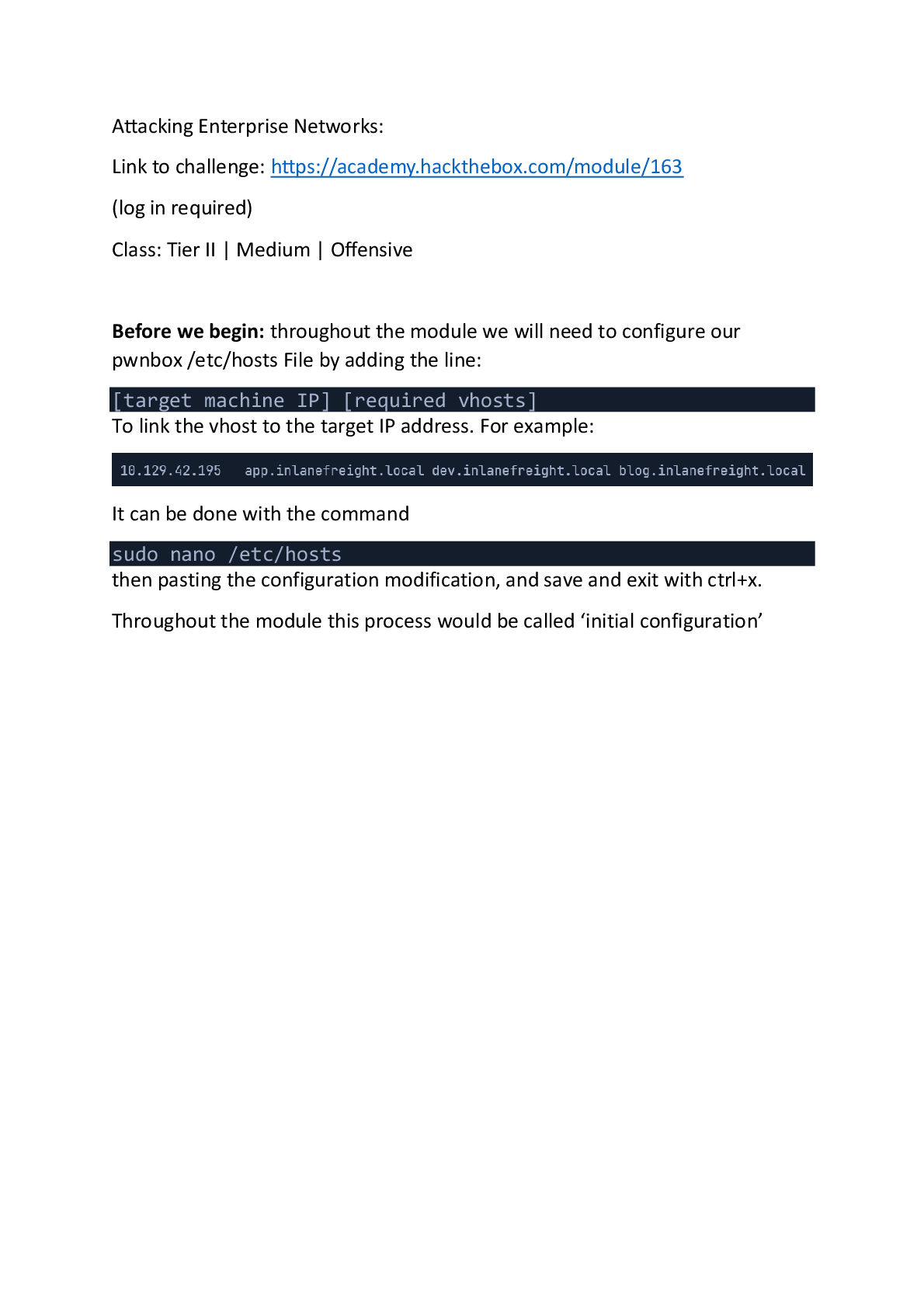
Pivoting, Tunneling, and Port Forwarding:
Link to challenge: https://academy.hackthebox.com/module/158
(log in required)
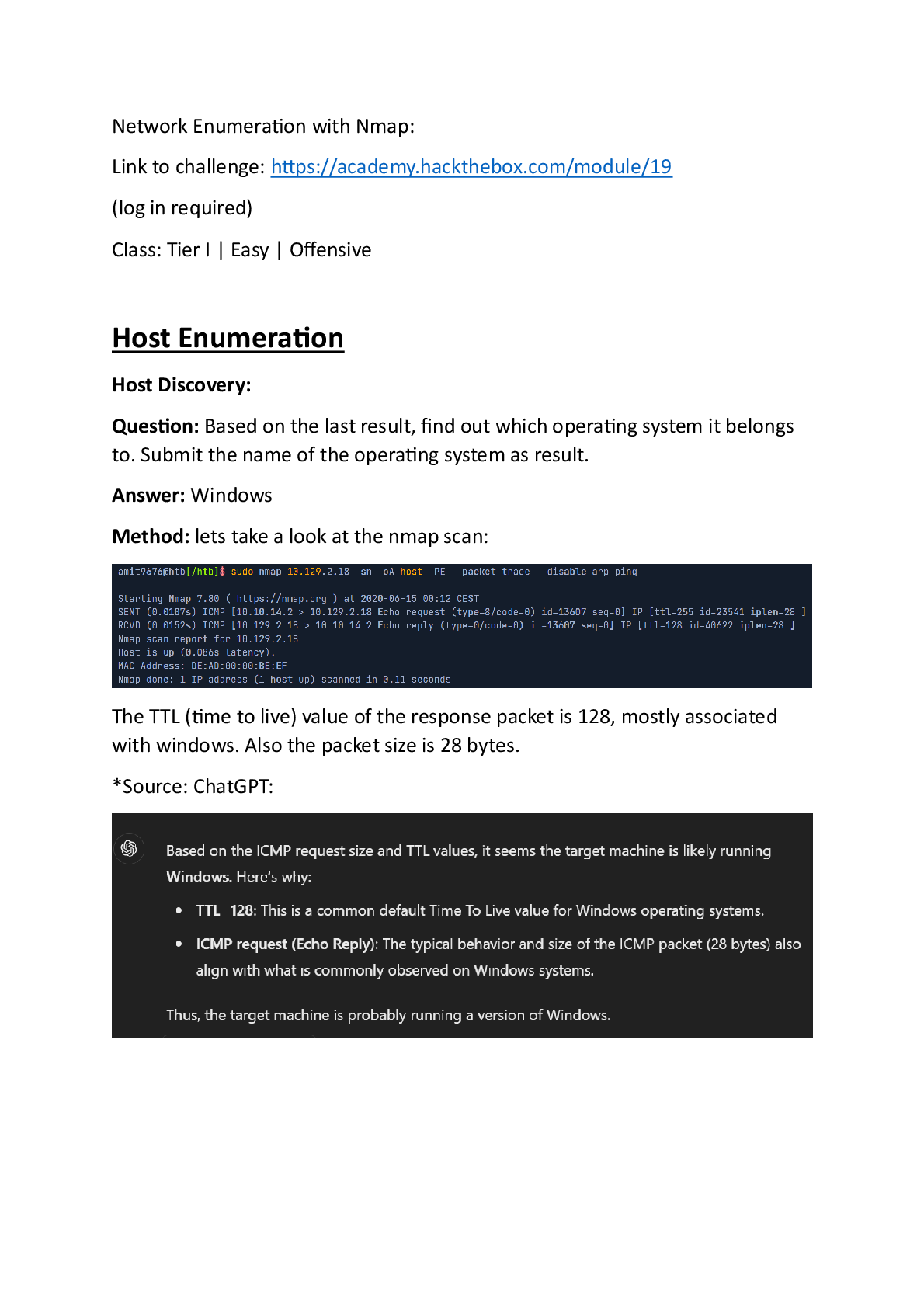
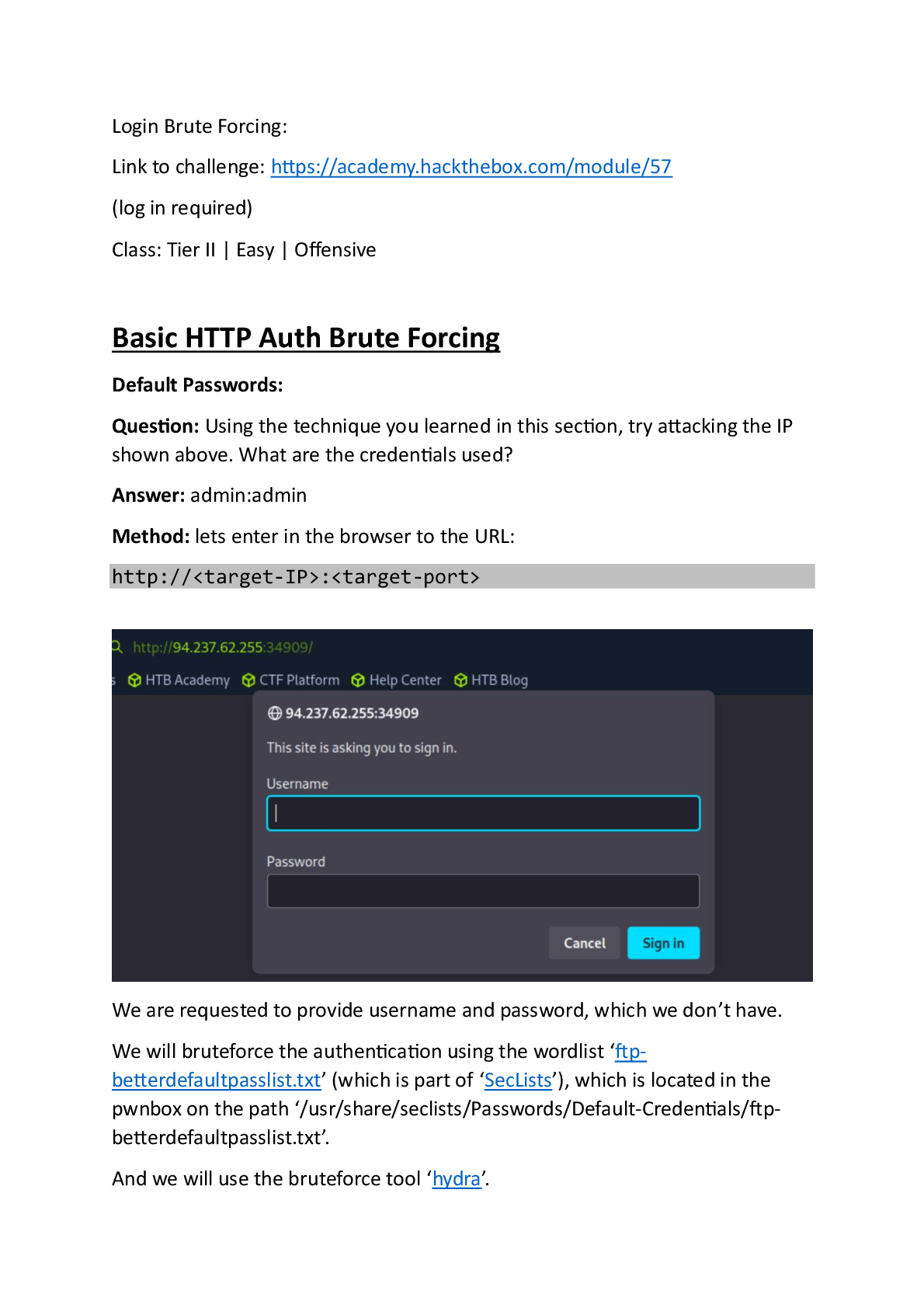
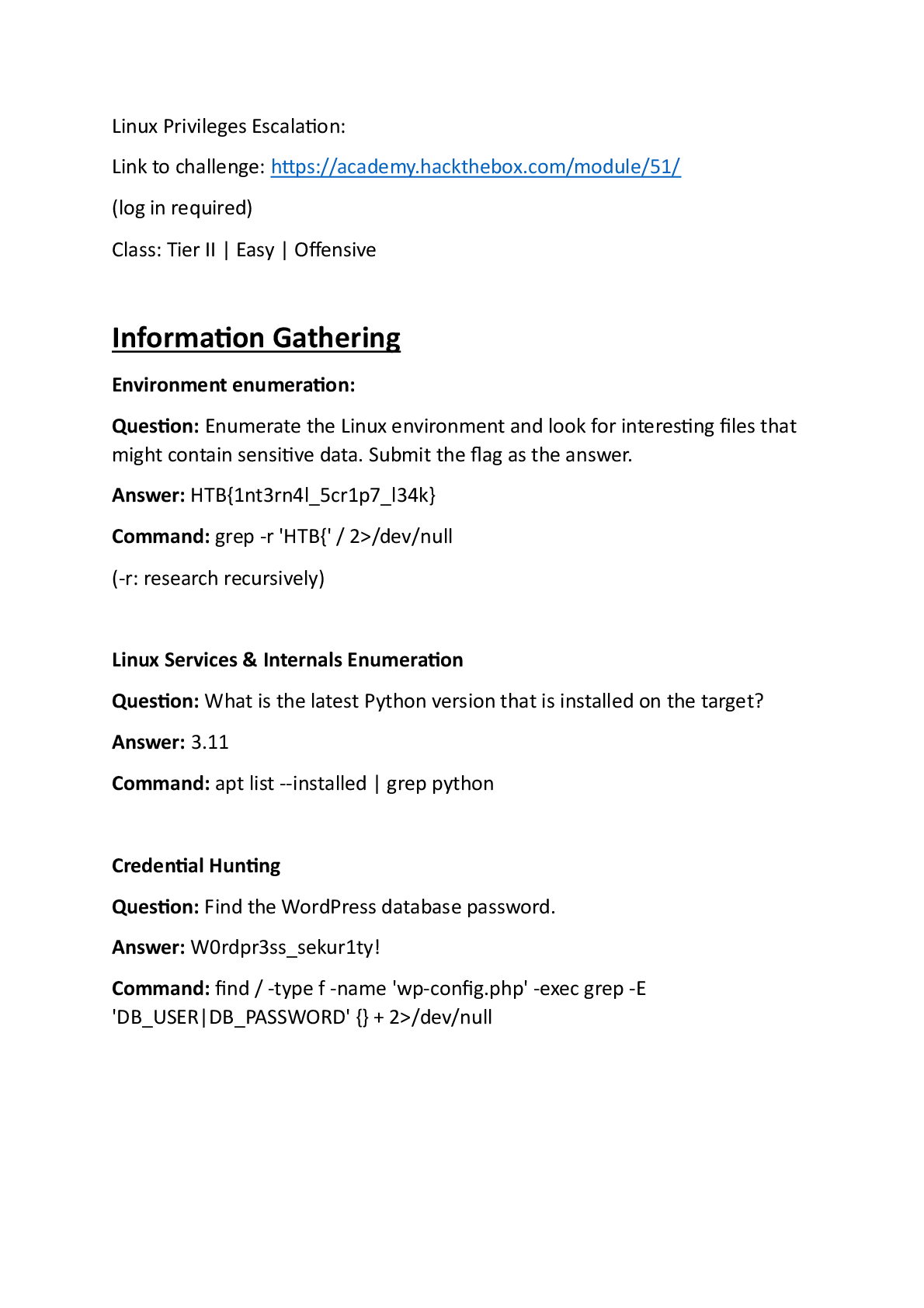
Class: Tier II | Medium | Offensive
Before we begin: throughout the module we will be r
...
Pivoting, Tunneling, and Port Forwarding:
Link to challenge: https://academy.hackthebox.com/module/158
(log in required)
Class: Tier II | Medium | Offensive
Before we begin: throughout the module we will be requested to login to target Linux machines, and target windows machines.
The credentials will be provided for us by the module.
For Linux, we will use ssh with the command:
ssh
@
and then we will be requested to enter the password.
For windows – we will use xfreerdp with the command:
xfreerdp /v: /u: /p: /dynamic-resolution
to RDP connect to the machine.
Throughout the module, those steps will be referred as ‘login to the Linux/Windows target machine’ (unless specified otherwire – those are the default login commands).
Introduction
The Networking Behind Pivoting:
Question: Reference the Using ifconfig output in the section reading. Which NIC is assigned a public IP address?
Answer: eth0
Method: ‘The IP assigned to eth0 (134.122.100.200) is a publicly routable IP address.’
Question: Reference the Routing Table on Pwnbox output shown in the section reading. If a packet is destined for a host with the IP address of 10.129.10.25, out of which NIC will the packet be forwarded?
Answer: tun0
Method: taking a loot at the shown routing table:
A packet destined to ’10.129.10.25’ will be forwared to ‘tun’ 0 as the destination IP along with the Genmask match the IP first 2 Octets.
Question: Reference the Routing Table on Pwnbox output shown in the section reading. If a packet is destined for www.hackthebox.com what is the IP address of the gateway it will be sent to?
Answer: 178.62.64.1
Method: as in the first Question of the section its established that the interface which serves as the interface to the ‘outside world’ is ‘eth0’, checking its routing table (first line) – the Gateway’s IP is ‘178.62.64.1’.
Choosing The Dig Site & Starting Our Tunnels
Dynamic Port Forwarding with SSH and SOCKS Tunneling:
Question: You have successfully captured credentials to an external facing Web Server. Connect to the target and list the network interfaces. How many network interfaces does the target web server have? (Including the loopback interface)
Answer: 3
Method: First, lets ssh login to the target linux machine with the provided credentials: ‘ubuntu:HTB_@cademy_stdnt!’.
Now on the target machine, we will run the command
ls /sys/class/net | wc -l
*the interfaces names are listed in the ‘/sys/class/net’. *:
Question: Apply the concepts taught in this section to pivot to the internal network and use RDP (credentials: victor:pass@123) to take control of the Windows target on 172.16.5.19. Submit the contents of Flag.txt located on the Desktop.
Answer: N1c3Piv0t
Method: we will use proxy chains.
On the pwnbox – first lets confirm that the proxychains forwarding through port 9050 is enabled:
tail -4 /etc/proxychains.conf
Now, lets start another ssh session to the target machine, but this time with port forwarding on port 9050. We will use the -D flag (using the same credentials):
ssh -D 9050 ubuntu@
* *
Now when the port forwarding is et, we are told the machine in the internal network (which the target machine belongs to), is 172.16.5.19, and the credentials are ‘victor:pass@123’
So lets RDP login to the ‘172.16.5.19’ machine from the pwnbox, using the command:
proxychains xfreerdp /v:172.16.5.19 /u:victor /p:'pass@123' /dynamic-resolution