InDesign Certification Questions
You are designing the layout of a product page for a clothing website and you're trying to decide
which products you should display open this page. Which of the following options will h
...
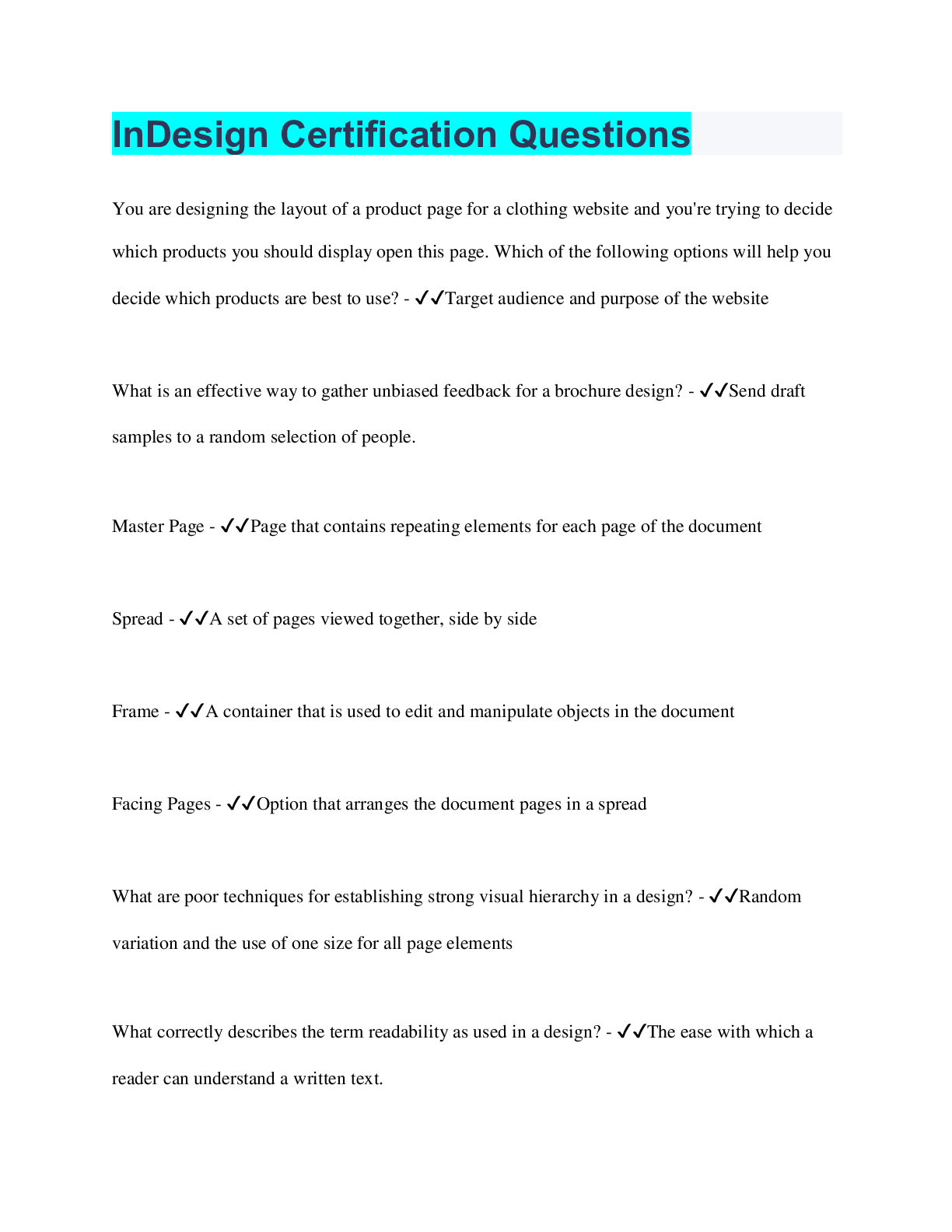
InDesign Certification Questions
You are designing the layout of a product page for a clothing website and you're trying to decide
which products you should display open this page. Which of the following options will help you
decide which products are best to use? - ✔✔Target audience and purpose of the website
What is an effective way to gather unbiased feedback for a brochure design? - ✔✔Send draft
samples to a random selection of people.
Master Page - ✔✔Page that contains repeating elements for each page of the document
Spread - ✔✔A set of pages viewed together, side by side
Frame - ✔✔A container that is used to edit and manipulate objects in the document
Facing Pages - ✔✔Option that arranges the document pages in a spread
What are poor techniques for establishing strong visual hierarchy in a design? - ✔✔Random
variation and the use of one size for all page elements
What correctly describes the term readability as used in a design? - ✔✔The ease with which a
reader can understand a written text.
What is the process of adjusting the space between specific pairs of characters (spacing between
two letters)? - ✔✔Kerning
What best describes a typographical design that is considered to be concordant? - ✔✔It uses a
single typeface without having much variety in weight, style,or size.
You are preparing your business card design to be printed at a commercial printer. What main
ink type's exact color appearance is determined by the printer and requires a printing plate for
each color? - ✔✔Spot Color
Scaling - ✔✔Changes the size of an image to be printed on paper.
Resampling - ✔✔Changes the number of pixels in an image.
Cropping - ✔✔Removes designated parts of an image to get a new width and height.
Resizing - ✔✔Increase or decrease the size of an object.
What is associated with print publications and not digital publications? - ✔✔Scaling, Process
Color, and Dpi
Character Panel - ✔✔Sets the options for selected text
Paragraph Styles Panel - ✔✔Used to apply a collection of character and paragraph formatting to
an entire paragraph.
Paragraph Panel - ✔✔Sets the options for entire paragraphs
Character Styles Panel - ✔✔Used to apply a collection of character formatting to selected text
Direct Selection Tool - ✔✔Allows you to select the contents of a frame or work directly with
editable objects.
What is associated with digital publications and not print publications? - ✔✔RGB Value and
Pixel
What is the advantage of locking or hiding a layer? - ✔✔It ensures that any objects in that layer
cannot be edited.
When designing a document, you can place content into an existing frame, with different kinds
of content requiring specific frame types. What are the frame types in Adobe InDesign? -
✔✔Text, Unassigned, and Graphic
Content Collector Tool - ✔✔Allows you to duplicate and link content within the same document
or across different documents.
What InDesign feature will check the document for problems in real-time and display any found
errors? - ✔✔Live Preflight
You are preparing a document to be exported as an interactive PDF. Which option in the Export
to Interactive PDF window sets the initial layout of the PDF when it's first opened? - ✔✔Layout
How do you change the color to CMYK C= 75, M= 5, Y= 100, and K= 0? - ✔✔Go to Swatches
Click the option
How many states can a button have? - ✔✔Three: Normal, Rollover, and Click
How do you change the Preflight Options to allow documents to be opened using a working
profile? - ✔✔1.) Window > Output
2.) Output > Preflight
3.) Preflight Panel > Preflight Panel Menu drop down box
4.) Preflight Options > Profile Usage
You have a client who wants you to get images for a project you are working on. How can you
legitimately get free images for their project? - ✔✔Find images marked as Fair Use for
Commercial Purposes
How do you change the style of the Basic Paragraph to have a First Line Indent of 0p5? - ✔✔1.)
Type > Paragraph Styles
2.) Double click Basic Paragraph
3.) Click to the left Indents and Spacing
4.) First Line Indent
How do you add an animation? - ✔✔1.) Select the image you are animating
2.) Windows > Interactive
3.) Interactive > Animation
4.) Enter in components
How do you fill a text box with a text box placeholder? - ✔✔1.) Select the text box
2.) Type > Fill with Placeholder Text
Before starting to work on the pamphlet you want to make a Project Plan. What are essential
parts of creating a Project Plan? - ✔✔Establishing a budget and Determining deliverables
What panel alerts the user to any errors that might prevent the document from being printed as
desired? - ✔✔Preflight
How do you edit in Story Editor mode? - ✔✔1.) Select the story
2.) Edit > Edit in Story Editor
What must you know to understand scope of the project? - ✔✔Total deliverables
How do you Wrap Text around an image? - ✔✔1.) Select the Image
2.) Windows > Text Wrap
How do you align the Title to be centered? - ✔✔1.) Type > paragraph Styles
2.) Double click Title
3.) Go to Indenting and Spacing
4.) Change alignment
How do you add a hyperlink? - ✔✔1.) Windows > Interactive
2.) Interactive > Hyperlink
3.) Type the URL
4.) Press Enter
Fair Use - ✔✔The image can be used for limited transformative purposes
Slug - ✔✔An area outside the page content that contains printer instructions
Gutter - ✔✔The space between column guides
Bleed - ✔✔The area outside the page content that account for inaccuracies with printing or
trimming
Crop Marks - ✔✔Marks that define where a page should be trimmed after printing
What is a typeface conflict? - ✔✔When two typefaces are too visually similar
What is a printed color combination that uses CMYK? - ✔✔Process Color
.ESP can open what two things? - ✔✔Vector and Bitmap Data
EPS - ✔✔Vector based format that can contain test as well as graphics
PNG - ✔✔Uses lossless compression and supports RGB transparency
TIF - ✔✔Uses lossless compression and is considered to be the highest quality and most
versatile image file type
JPG - ✔✔The most used image format that uses lossy compression that creates much smaller
files
Object Styles - ✔✔Allows you to quickly format graphics and frames across a document
When working with text wrap, what does the offset option do? - ✔✔It slightly adjusts the space
between the text and the object
"On Page Load" and "Click" are examples of what? - ✔✔Triggers
When exporting a document as an interactive PDF, what does the Page Transition do? - ✔✔It
specifies what page transition to apply to the pages when exporting
How do you include the Current Page Number on a document? - ✔✔1.) Select the text box by
using the Text Tool
2.) Type > Insert Special Characters
3.) Markers > Current Page Number
What option gives you pages right next to each other as in a book or magazine? - ✔✔Facing
Pages
What can be created using Adobe InDesign? - ✔✔Patterns
What type of content can be legally used in a document with permission? - ✔✔Public Domain
What command allows you to import text from an external document? - ✔✔Place
What command ensures that all fonts and linked graphics are included with your InDesign files
to hand off to a client? - ✔✔Packaging
What are examples of glyphs? - ✔✔Currency and Registered Trademark Symbols
What is an example of a concordant font look? - ✔✔Similar Font Families with little variation
What is a special premixed ink that requires its own plate on the printing press? - ✔✔Spot Color
What is an example of process color? - ✔✔CMYK
What are the swatch types found on the Swatches Panel? - ✔✔Color, Tint, and Gradient
Which type of exported file would you create when preparing an InDesign document to be webready? - ✔✔HTML
How would you include a free image in your design for a business without asking permission or
breaking copyright? - ✔✔Fair Use
A fashion store needs advertising - what two factors are important when preparing for the design
phase? - ✔✔Identifying a Target Audience and Creating Client Goals
What is the vertical distance between the baselines (bottom) of lines of type? - ✔✔Leading
When creating a restaurant advertisement - what two factors should be included first to help
prepare? - ✔✔Identifying a Target Audience and Creating Client Goals
Which option is a contract document that includes deliverables expected of the contractor by the
client? - ✔✔Specifications
When using layers what are two ways not to effect the items on the layer? - ✔✔Hide and Lock
the Layer(s)
Setting the Layout option when exporting an interactive PDF will cause what to occur? - ✔✔It
will determine the initial layout of the PDF
Convert Direction Point Tool - ✔✔Allows you to change rounded edges of a path to straight
edges
What two things are true about Color Swatches? - ✔✔- Changes made to a swatch effects
everything that has that swatch color
- Each document has its own set of swatches
What communication technique should you not use while communicating your project with the
client? - ✔✔Wait until the deadline to reveal your project to the client.
Which project management term refers to the changes, continuous or uncontrolled growth in a
project's scope? - ✔✔Scope Creep
How do you move to the right of pages 3-4 to create a gate fold and use the pages tool to add a
width of 18p3 to the gate? - ✔✔1.) Create a gatefold and move page 2 to the left of pages 3 & 4
2.) Use page tool to resize the width
3.) Click and drag page 2 in front of pages 3-4
4.) Go to Edit Page Size > Custom > Width: 18p3
How do you add a pulse animation, make it so that it appears when the viewer clicks on the
image, and change the duration to 1.25? - ✔✔1.) Windows > Interactive
2.) Interactive > Animation
3.) Specify motion preset options
What wrap option allows equal spacing of text and image across the page? - ✔✔1.) Justify text
next to an object
2.) Edit > Preferences
3.) Preferences > Composition
What is the Gestalt Theory? - ✔✔The whole is greater than the sum of its parts. The five design
principles derive from this theory are proximity, similarity, continuity, closure and
figure/ground, in which each different methods create unity within the whole.
How do you add a 9p0 slug to only the bottom of the page? - ✔✔1.) File > Document Setup
2.) Document Setup > More Options
3.) More options > Change Bottom Slug to 9p0
How do you change the horizontal ruler to inches? - ✔✔1.) Right click on top of the horizontal
ruler and then choose inches
How do you add a placeholder text to the empty text frame? - ✔✔1.) Select the empty text frame
2.) Type - Placeholder Text (at the bottom)
How do you place? - ✔✔1.) Text into an empty box (import text from the file)
2.) A picture into an empty frame
3.) A picture to fit in the empty space on the page (click and drag)
How do you copy the text from one text box into another text box? - ✔✔1.) Create a second text
box
2.) Select the text box that already includes the text
3.) Click on the red plus box
4.) Click inside text box you created
How do you copy the text from the column on page 3, into a column on page 4? - ✔✔1.)
Highlight the text in the right column on page 3
2.) Go to the column on page 4
3.) Edit > Paste
OR
1.) Select column 3
2.) Click on the red plus box
3.) Go to Column 4
4.) Click inside for text to paste inside
How do you export as a PDF (Print), with the specific file name, and then save in a default
folder? - ✔✔1.) Export the document to a high Quality Print and change it so that spreads are
exported
2.) File > Adobe PDF presets
3.) Adobe PDF presets > High Quality Print
4.) Change the name to the document > Save
5.) Select Spread under the Pages category > Export
OR
1.) File > Adobe PDF presets >
2.) Adobe PDF presets > Adobe PDF Print
3.) Save > Make sure High Quality Print is selected
Can you change the documents Color Settings to North American Prepress 2? - ✔✔1.) Edit >
Color Settings
2.) Choose North American Prepress 2 from the Settings Dropdown > OK
How doyou package the document, add review to the instructions, and then name the package? -
✔✔1.) File > Package
2.) Package > Click Package again
3.) Insert the appropriate Documentation
How do you add 2 columns to the current page? - ✔✔1.) Go to the specific page
2.) Go to Layout > Margins and Columns
3.) Change Column number
4.) Click OK
How do you create a table of contents based on the Columns and Headline paragraph style only.
And then, apply the Table of Content style to the title? - ✔✔1.) Layout > Table Contents
2.) Select the styles from the Other Styles Menu
3.) Click ADD to include into Paragraph Styles
4.) Got to Style > Select TOC Title from the drop down menu then click OK
How do you create character and paragraph styles? - ✔✔1.) Windows > Styles
2.) Styles > Paragraph Styles
3.) New Paragraph Styles (double click)
4.) Paragraph Style Options
How do you alter all of the body copy text to use the font Engravers? - ✔✔Change the Paragraph
Style called "Body Copy Text"
How do you add page numbers to the bottom-outside left and right pages to show the current
page number? - ✔✔1.) Double click the left page of the A-Master in your Pages Panel
2.) Create a small text box in the lower left hand corner of the page, click inside the box using
the Type tool
3.) Type > Insert Special Characters
4.) Special Characters > Makers
5.) Makers > Current Page Number
6.) Double click the right page of the A-Master in your Pages Panel
7.) Create a small text box in the lower right hand corner of the page, but also make sure the text
is right aligned using the control panel.
8.) Click inside the box using the Type tool
9.) Type > Insert Special Characters
10.) Makers > Current Page number
How do you place holder text to the empty text box? - ✔✔1.) Draw a text box with the Type
Tool
2.) Fill the text box with placeholder text
3.) Type > Fill with Placeholder Text
How do you display the performance in high quality? - ✔✔1.) View > Document Performance
2.) Document Performance > High Quality
What technique will provide the most effective and unbiased feedback? - ✔✔You send out a
survey containing drafts to a random sample of employees
How do you dock the Paragraph Panel to the Character Panel to create a new tabbed panel with
both, and then save the workspace as Sample? - ✔✔1.) Paragraph Styles > select the empty gray
bar above tab name
2.) Drag gray bar to the Character Panel
How do you apply a specific text wrap, wrap away from the spine, add a top offset of 0p3, finish
the wrap by creating clipping paths, and finally choose detect edge? - ✔✔1.) Select group of
picture(s).
2.) Open the Text Wrap Panel > Windows
3.) Windows > Text Wrap
4.) Select "Wrap Around Object Shape" with a left offset
5.) Change wrap options to the left side
6.) Contour Options > Detected Edges
7.) Object > Clipping Path
8.) Options > Type: Detected Edges
What three types of multimedia triggers? - ✔✔Autoplay, Rollover, and Click
Which tool allows you to select points on a path or objects within a frame? - ✔✔Direct Selection
Tool
What is the definition of the file format EPS? - ✔✔It is a vector based file format most
commonly used to display simple animations on the screen
What is the area that is used for writing notes to the published, that is essentially cut off and
discarded after printing? - ✔✔Slug
What allows you to determine an area for printing objects outside the outer edge of the specific
page size? - ✔✔Bleed
When exporting as an Interactive PDF the menu allows you what options? - ✔✔How the
documents will be viewed full screen
What tool allows you to collect page items in InDesign documents using the Content Conveyor?
- ✔✔Content Collector Tool
Whattwo InDesign tools allows you to duplicate objects on a page and place them in an InDesign
doc? - ✔✔Content Collector Tool and Content Placement Tool
[Show More]