Business > QUESTIONS & ANSWERS > QuickBooks Chapter 9 Test with Complete Answers (All)
QuickBooks Chapter 9 Test with Complete Answers
Document Content and Description Below
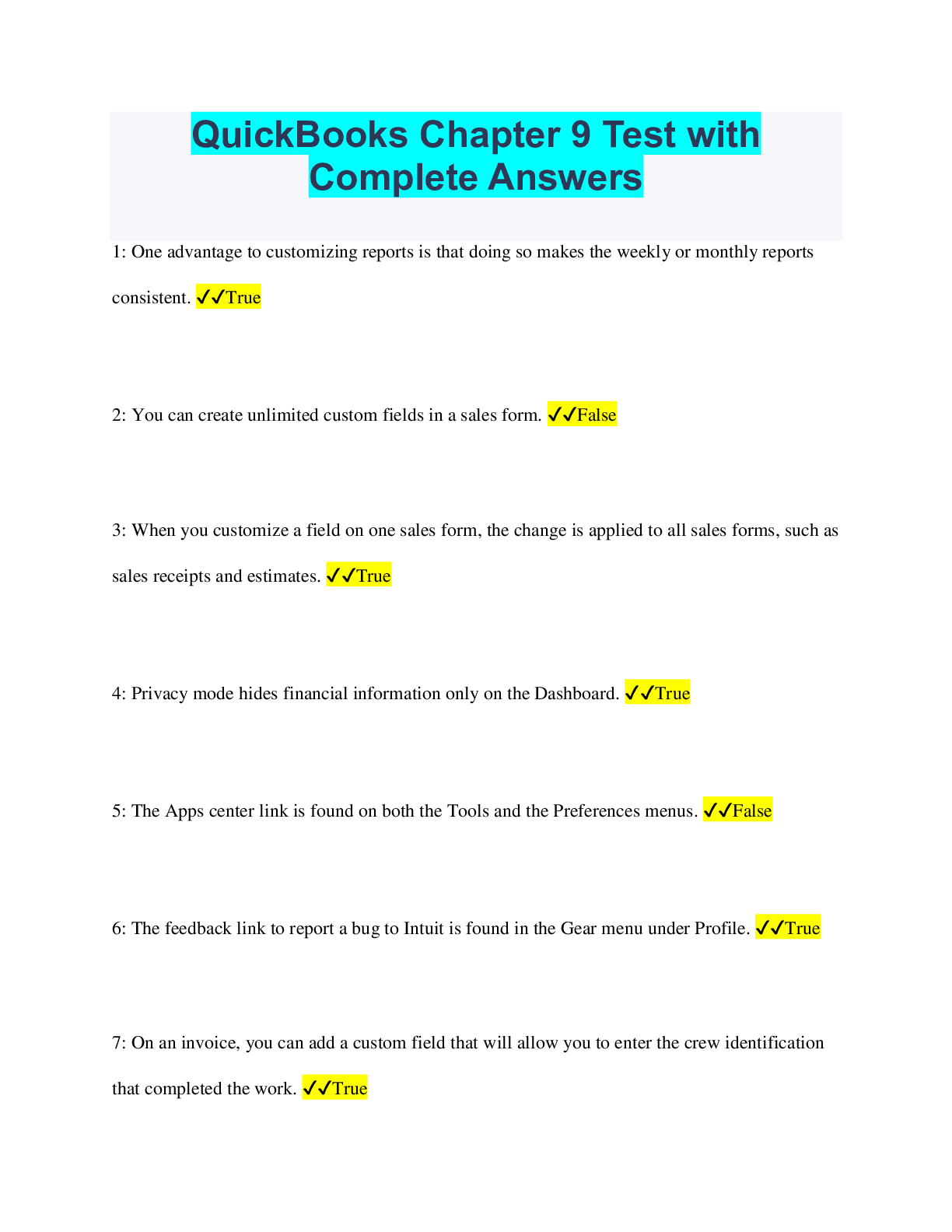
QuickBooks Chapter 9 Test with Complete Answers 1: One advantage to customizing reports is that doing so makes the weekly or monthly reports consistent. ✔✔True 2: You can create unlimited cust ... om fields in a sales form. ✔✔False 3: When you customize a field on one sales form, the change is applied to all sales forms, such as sales receipts and estimates. ✔✔True 4: Privacy mode hides financial information only on the Dashboard. ✔✔True 5: The Apps center link is found on both the Tools and the Preferences menus. ✔✔False 6: The feedback link to report a bug to Intuit is found in the Gear menu under Profile. ✔✔True 7: On an invoice, you can add a custom field that will allow you to enter the crew identification that completed the work. ✔✔True 8: To whom can you schedule reports to be emailed automatically? ✔✔All of these options 9: Which is NOT considered a type of sales form? ✔✔Inventory 10: You can add _____ custom fields on sales forms. ✔✔up to three 11: Which of the following apps can be used with QuickBooks Online? ✔✔All of these options 12: Which of the following is NOT a benefit of using QuickBooks apps on your desktop instead of a browser? ✔✔You can snap a picture of a receipt 13: The most effective way to protect who can view data is to _____? ✔✔set user permissions 14: When might you want to enable Privacy mode? ✔✔When viewing the Dashboard in a public location 15: Which of the following is NOT a standard field you can include on an invoice? ✔✔Crew ID 16: What option(s) do you have to customize a report? ✔✔All of these options 17: When you press [Ctrl]+[Alt]+[?] on a Windows computer, what displays? ✔✔A window displaying your Company ID and a list of keyboard shortcuts 18: Match these QuickBooks Online protection terms with their descriptions. ✔✔Privacy modeThis conceals financial data on the dashboard User permissions- this allows you to limit the number of people who can view and manipulate data manage user feature- Allows you to choose the type of user to set permissions for Audit log- The location that allows you to review each user activity 19: Match these QuickBooks Online features with their descriptions. ✔✔quickbooks lab- A place where developers place experimental plug-ins feedback- a place to attach a picture of a bug for intuit to investigate plug-in- a third-party application used to extend quickbooks online capabilities Company admin- A type of user that has all access rights [Show More]
Last updated: 2 years ago
Preview 1 out of 4 pages
Buy this document to get the full access instantly
Instant Download Access after purchase
Buy NowInstant download
We Accept:

Reviews( 0 )
$8.00
Can't find what you want? Try our AI powered Search
Document information
Connected school, study & course
About the document
Uploaded On
Jul 12, 2023
Number of pages
4
Written in
All

Additional information
This document has been written for:
Uploaded
Jul 12, 2023
Downloads
0
Views
113




.png)