Code HS Final Test Review (2022/2023)
Rated A+
For Loop ✔✔for(var i = 0; i < COUNT; i++){
}
While Loop ✔✔while(boolean expression){
/* Repeat code betweeen brackets while
* 'boolean expression' is true */
}
If St
...
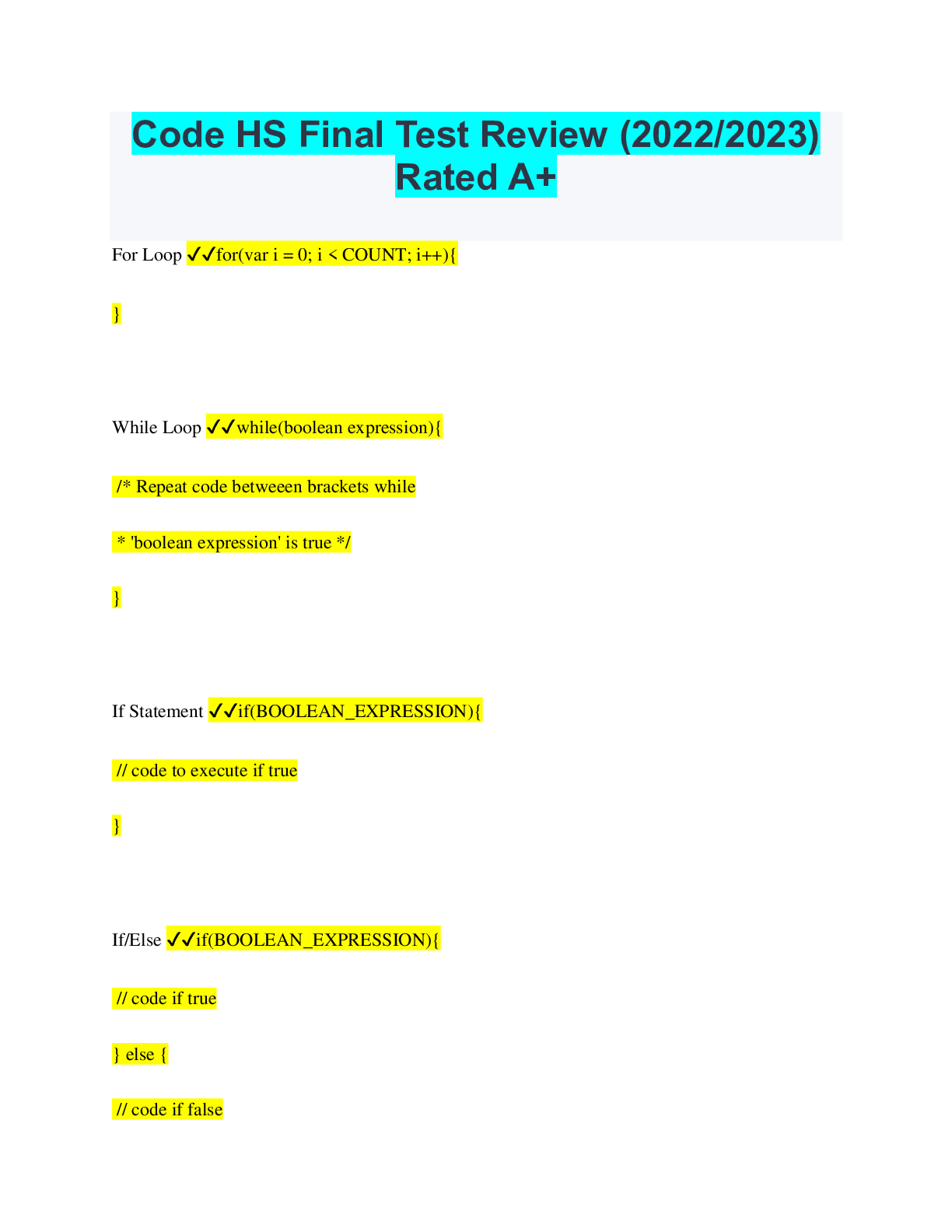
Code HS Final Test Review (2022/2023)
Rated A+
For Loop ✔✔for(var i = 0; i < COUNT; i++){
}
While Loop ✔✔while(boolean expression){
/* Repeat code betweeen brackets while
* 'boolean expression' is true */
}
If Statement ✔✔if(BOOLEAN_EXPRESSION){
// code to execute if true
}
If/Else ✔✔if(BOOLEAN_EXPRESSION){
// code if true
} else {
// code if false
}
Functions ✔✔/ Functions can take in values, called parameters.
// The function below takes in a parameter called
// 'input' and prints it.
function printText(input) {
println(input);
}
Functions using return ✔✔function addTwo(number) {
return number + 2;
}
Returns the width of the canvas ✔✔getWidth();
Returns the height of the canvas ✔✔getHeight();
Returns the x coordinate of the center of the canvas ✔✔getWidth() / 2;
Removes all objects from the canvas ✔✔removeAll();
Create a Circle ✔✔var circle = new Circle(radius);
circle.setPosition(x, y);
circle.setColor(color);
Create a rectangle ✔✔var rect = new Rectangle(width, height);
rect.setPosition(x, y);
rect.setColor(color);
Get radius of a circle ✔✔circle.getRadius();
Change the radius of a circle ✔✔circle.setRadius(radius);
Get the position of the center of the circle ✔✔var x = circle.getX();
var y = circle.getY();
Add objects to your screen ✔✔add(obj);
Get location of the upper left corner of the rectangle ✔✔var x = rect.getX();
var y = rect.getY();
Create an Arc ✔✔var myArc = new Arc(radius, start, end, unit);
More specifically, the parameters are:
1. radius of the arc
2. starting angle of the arc
3. ending angle of the arc
4. angle unit (0 for degrees, 1 for radians)
Create a line ✔✔To draw a line from (x1, y1) to (x2, y2)
var line = new Line(x1, y1, x2, y2);
Set the line color to green
line.setColor(Color.green);
Set the line width to 10 pixels
line.setLineWidth(10);
Create an oval ✔✔var oval = new Oval(width, height);
oval.setPosition(x, y);
oval.setColor(color)
Create a graphical text object ✔✔var txt = new Text(label, font);
txt.setPosition(x, y);
txt.setColor(Color.blue);
Comparison Operators ✔✔x == y // is x equal to y
x != y // is x not equal to y
x > y // is x greater than y
x >= y // is x greater than or equal to y
x < y // is x less than y
x <= y // is x less than or equal to y
Math Operators ✔✔+ Addition
- Subtraction
* Multiplication
/ Division
% Modulus (Remainder)
() Parentheses (For order of operations)
Random Numbers ✔✔Randomizer.nextInt(low, high);
Randomizer.nextBoolean();
Randomizer.nextFloat(low, high);
Randomizer.nextColor();
Read a string ✔✔var str = readLine(prompt);
Read an integer ✔✔var num = readInt(prompt);
Read a float ✔✔var cost = readFloat(prompt);
Read a boolean ✔✔var bool = readBoolean(prompt);
Declare a variable ✔✔var myVarName;
Initialize a variable ✔✔var myVarName = 5;
Assign to an existing variable ✔✔myVarName = 10;
Increment (add one) ✔✔x++
Decrement (subtract one) ✔✔x--
[Show More]




.png)