COGS 108 - Assignment 5: Natural Language Processing 2 Important • This assignment has hidden tests: tests that are not visible here, but that will be run on your submitted assignment for grading. – This means
...
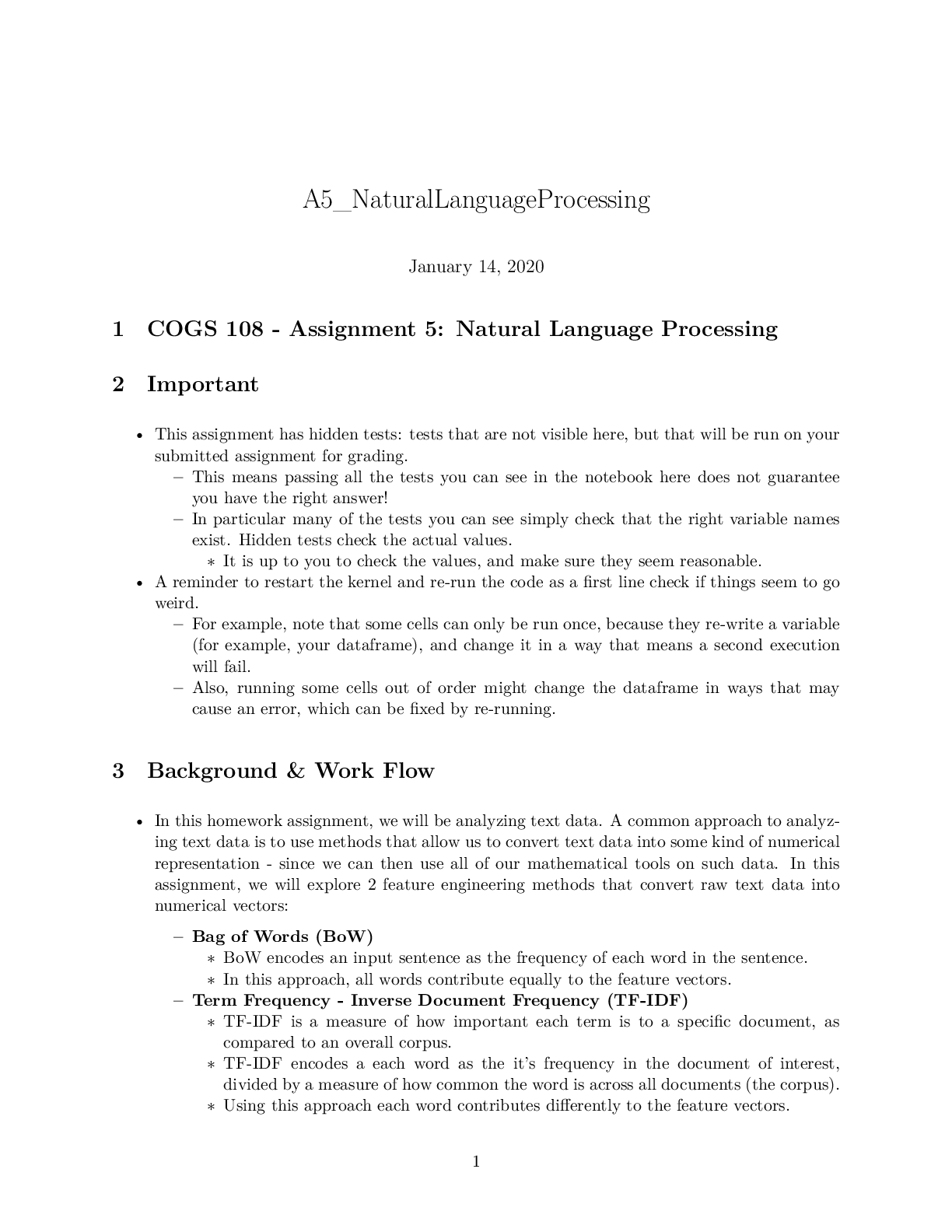
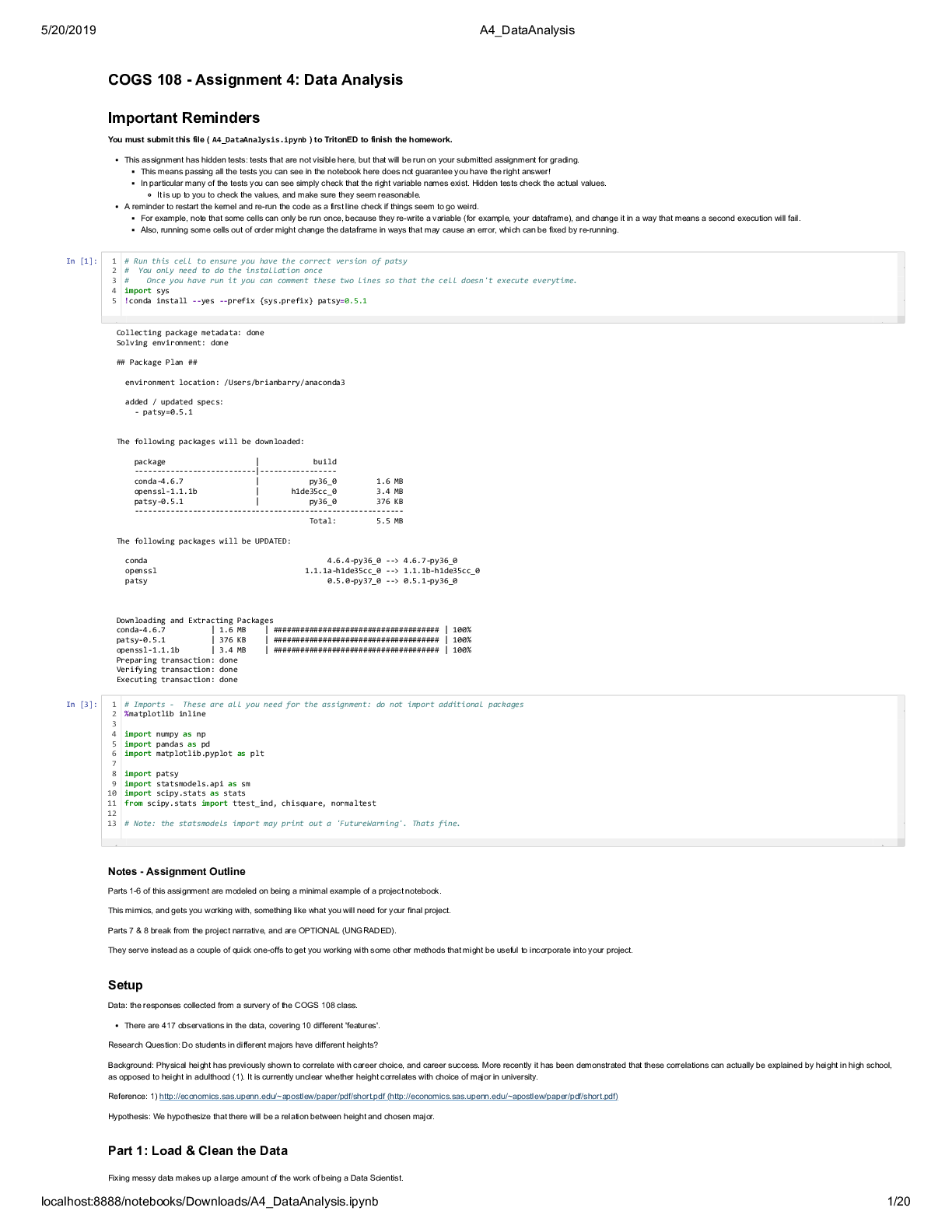
COGS 108 - Assignment 5: Natural Language Processing 2 Important • This assignment has hidden tests: tests that are not visible here, but that will be run on your submitted assignment for grading. – This means passing all the tests you can see in the notebook here does not guarantee you have the right answer! – In particular many of the tests you can see simply check that the right variable names exist. Hidden tests check the actual values. ∗ It is up to you to check the values, and make sure they seem reasonable. • A reminder to restart the kernel and re-run the code as a first line check if things seem to go weird. – For example, note that some cells can only be run once, because they re-write a variable (for example, your dataframe), and change it in a way that means a second execution will fail. – Also, running some cells out of order might change the dataframe in ways that may cause an error, which can be fixed by re-running. 3 Background & Work Flow • In this homework assignment, we will be analyzing text data. A common approach to analyzing text data is to use methods that allow us to convert text data into some kind of numerical representation - since we can then use all of our mathematical tools on such data. In this assignment, we will explore 2 feature engineering methods that convert raw text data into numerical vectors: – Bag of Words (BoW) ∗ BoW encodes an input sentence as the frequency of each word in the sentence. ∗ In this approach, all words contribute equally to the feature vectors. – Term Frequency - Inverse Document Frequency (TF-IDF) ∗ TF-IDF is a measure of how important each term is to a specific document, as compared to an overall corpus. ∗ TF-IDF encodes a each word as the it’s frequency in the document of interest, divided by a measure of how common the word is across all documents (the corpus). ∗ Using this approach each word contributes differently to the feature vectors. 1∗ The assumption behind using TF-IDF is that words that appear commonly everywhere are not that informative about what is specifically interesting about a document of interest, so it is tuned to representing a document in terms of the words it uses that are different from other documents. • To compare those 2 methods, we will first apply them on the same Movie Review dataset to analyse sentiment (how positive or negative a text is). In order to make the comparison fair, an SVM (support vector machine) classifier will be used to classify positive reviews and negative reviews. • SVM is a simple yet powerful and interpretable linear model. To use it as a classifier, we need to have at least 2 splits of the data: training data and test data. The training data is used to tune the weight parameters in the SVM to learn an optimal way to classify the training data. We can then test this trained SVM classifier on the test data, to see how well it works on data that the classifier has not seen before. [1]: # Imports - these are all the imports needed for the assignment %matplotlib inline import numpy as np import pandas as pd import matplotlib.pyplot as plt # Import nltk package # PennTreeBank word tokenizer # English language stopwords import nltk from nltk.tokenize import word_tokenize from nltk.corpus import stopwords # scikit-learn imports # SVM (Support Vector Machine) classifer # Vectorizer, which that transforms text data into bag-of-words feature # TF-IDF Vectorizer that first removes widely used words in the dataset and␣ ,!then transforms test data # Metrics functions to evaluate performance from sklearn.svm import SVC from sklearn.feature_extraction.text import CountVectorizer, TfidfVectorizer from sklearn.metrics import classification_report,␣ ,!precision_recall_fscore_support For this assignemnt we will be using nltk: the Natural Language Toolkit. To do so, we will need to download some text data. Natural language processing (NLP) often requires corpus data (lists of words, and or example text data) which is what we will download here now, if you don’t already have them. [2]: # In the cell below, we will download some files from nltk. 2# If you hit an error doing so, come back to this cell, and uncomment and run␣ ,!the code below. # This code gives python permission to write to your disk (if it doesn't␣ ,!already have persmission to do so) # import ssl # try: # _create_unverified_https_context = ssl._create_unverified_context # except AttributeError: # pass # else: # ssl._create_default_https_context = _create_unverified_https_context [3]: # Download the NLTK English tokenizer and the stopwords of all languages nltk.download('punkt') nltk.download('stopwords') [nltk_data] Downloading package punkt to /home/cat028/nltk_data… [nltk_data] Package punkt is already up-to-date! [nltk_data] Downloading package stopwords to /home/cat028/nltk_data… [nltk_data] Package stopwords is already up-to-date! [3]: True 4 Part 1: Sentiment Analysis on Movie Review Data In part 1 we will apply sentiment analysis to Movie Review (MR) data. • The MR data contains more than 10,000 reviews collect from IMDB website, and each of the reviews is annotated as either positive or negative sample. The number of positive and negative reviews are roughly the same. For more information about the dataset, you can visit http://www.cs.cornell.edu/people/pabo/movie-review-data/ • For this homework assignment, we’ve already shuffled the data, and truncated the data to contain only 5000 reviews. In this part of the assignment we will: - Transform the raw text data into vectors with the BoW encoding method - Split the data into training and test sets - Write a function to train an SVM classifier on the training set - Test this classifier on the test set and report the results 4.0.1 1a) Import data Import the textfile ‘rt-polarity.txt’ into a DataFrame called MR_df, Set the column names as ‘index’, ‘label’, ‘review’ 3Note that ‘rt-polarity.txt’ is a tab separated raw text file, in which data is separated by tabs (‘�’). You can load this file with read_csv, pecifying the sep (separator) argument as tabs (’�’). You will have the set header as None. [4]: MR_filepath='data/rt-polarity.tsv' # YOUR CODE HERE MR_df = pd.read_csv(MR_filepath, sep='\t', header=None) MR_df.columns = ['index', 'label', 'review'] [5]: assert isinstance(MR_df, pd.DataFrame) [6]: # Check the data MR_df.head() [6]: index label review 0 8477 neg except as an acting exercise or an exceptional… 1 4031 pos japanese director shohei imamura 's latest fil… 2 10240 neg i walked away not really know who `` they `` w… 3 8252 neg what could have been a neat little story about… 4 1346 pos no screen fantasy-adventure in recent memory h… 4.0.2 1b) Create a function that converts string labels to numerical labels Function name: convert_label The function should do the following: - if the input label is “pos” return 1.0 - if the input label is “neg” return 0.0 - otherwise, return the input label as is [7]: def convert_label(label): # YOUR CODE HERE if label == "pos": return 1.0 elif label == "neg": return 0.0 else: return label
[Show More]