Computer Networking > STUDY GUIDE > 2.3 Lab - Explore YANG models using the pyang tool (All)
2.3 Lab - Explore YANG models using the pyang tool
Document Content and Description Below
Last updated: 2 months ago
Preview 1 out of 2 pages
Instant download

Buy this document to get the full access instantly
Instant Download Access after purchase
Reviews( 0 )
Document information
Connected school, study & course
About the document
Uploaded On
Mar 23, 2021
Number of pages
2
Written in
All

Additional information
This document has been written for:
Uploaded
Mar 23, 2021
Downloads
0
Views
318
Document Keyword Tags
Recommended For You
Get more on STUDY GUIDE »
SEC 571 Week 8 Final Exam Multiple Choice & Essay: complete so...
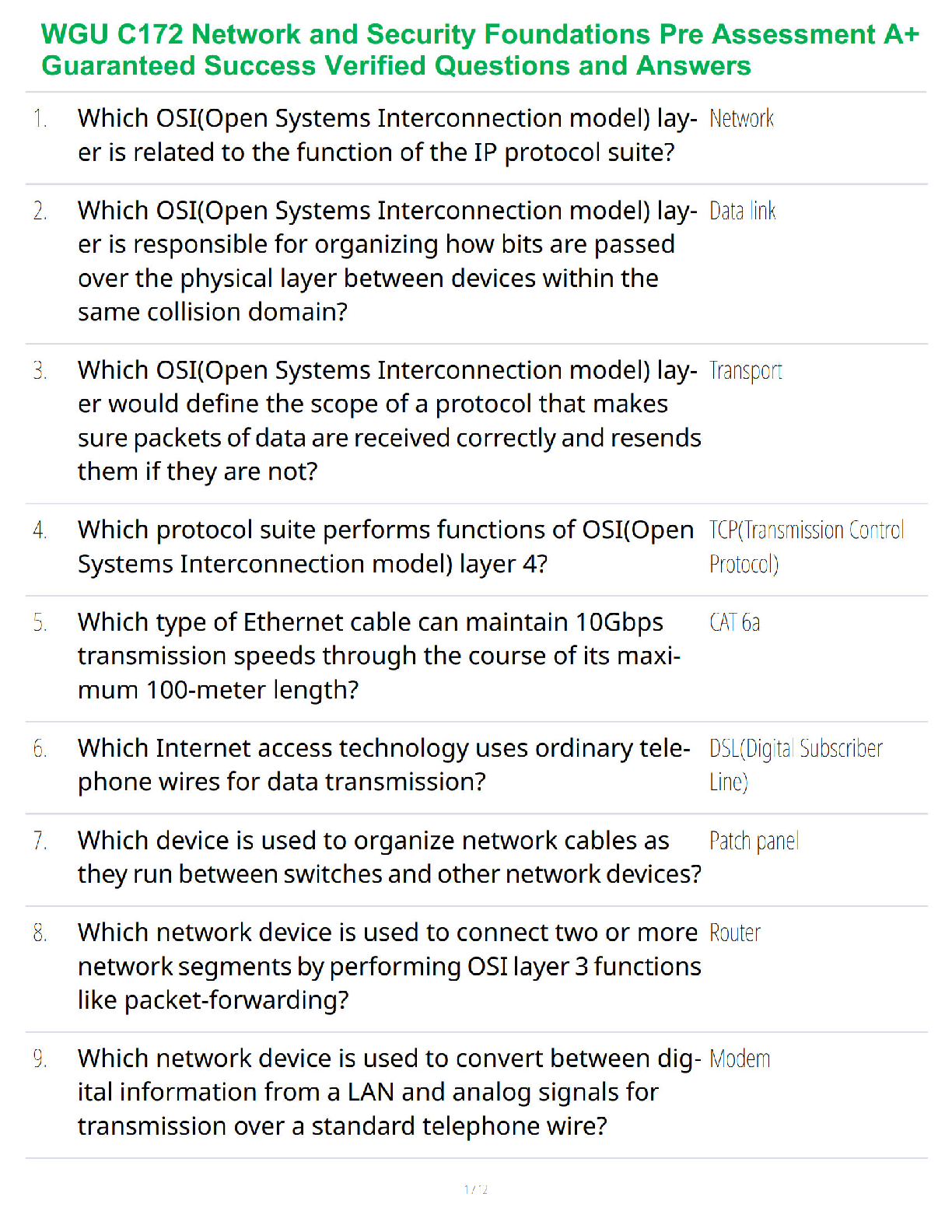
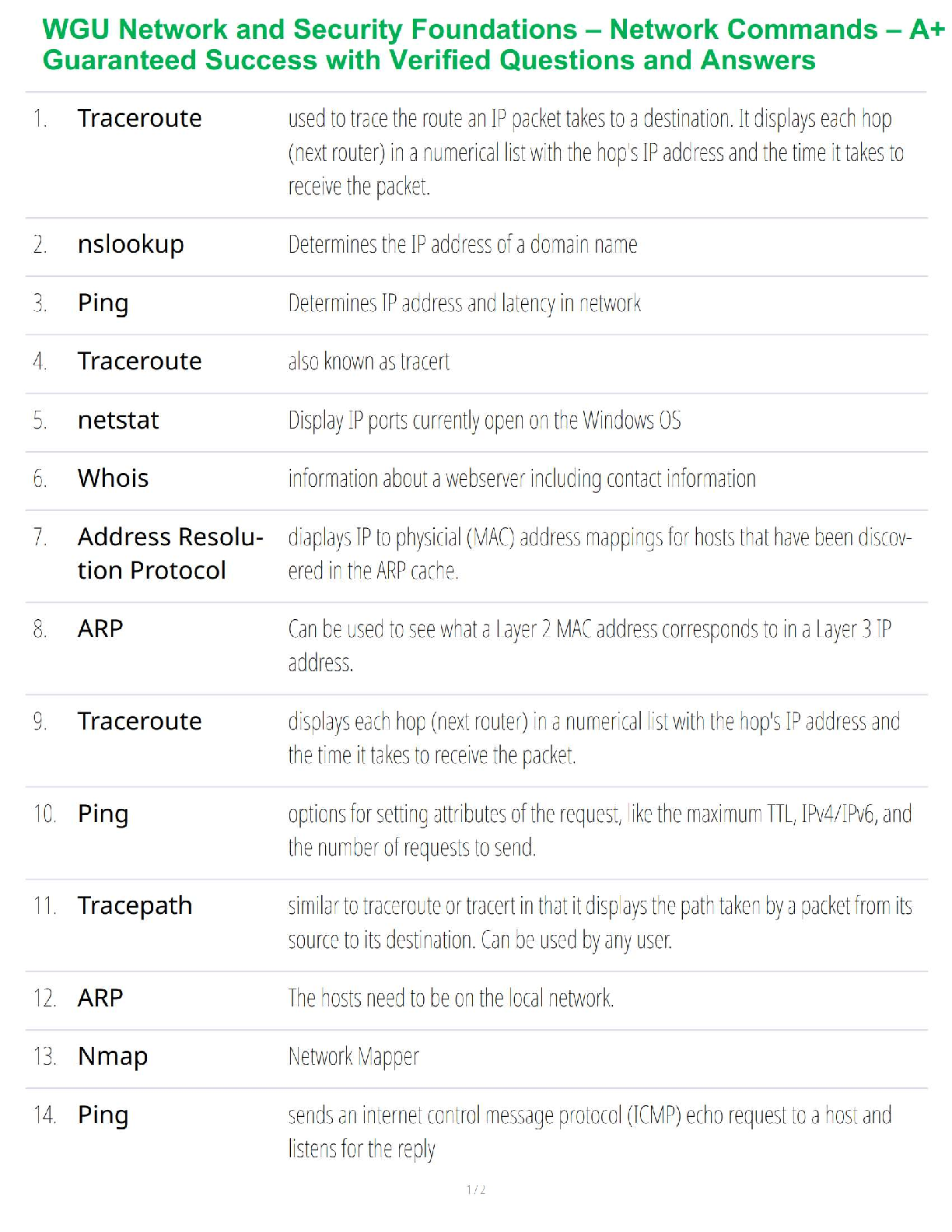
WGU Network and Security Foundations C182 – Network Commands –...
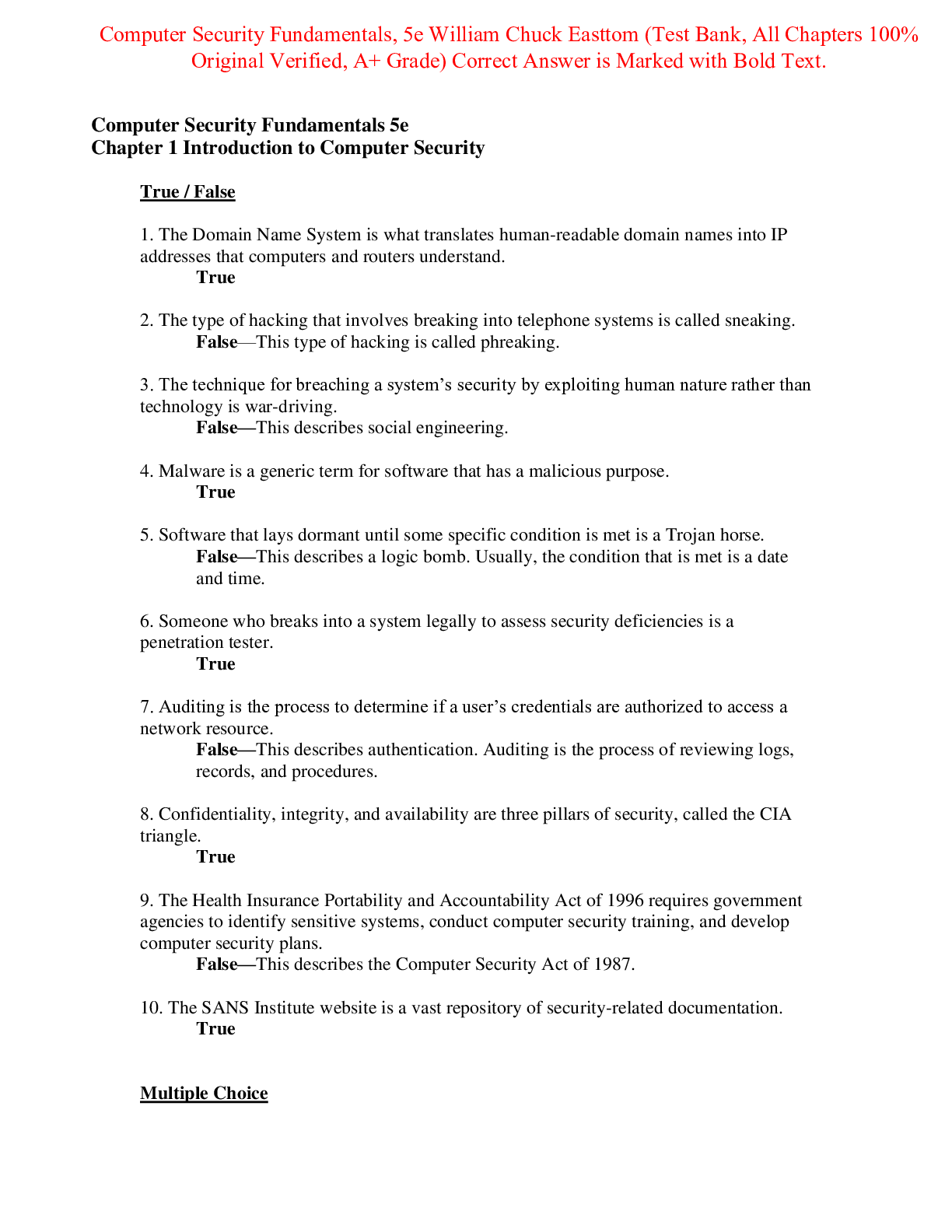
Test Bank for Computer Security Fundamentals 5th Edition By Wi...
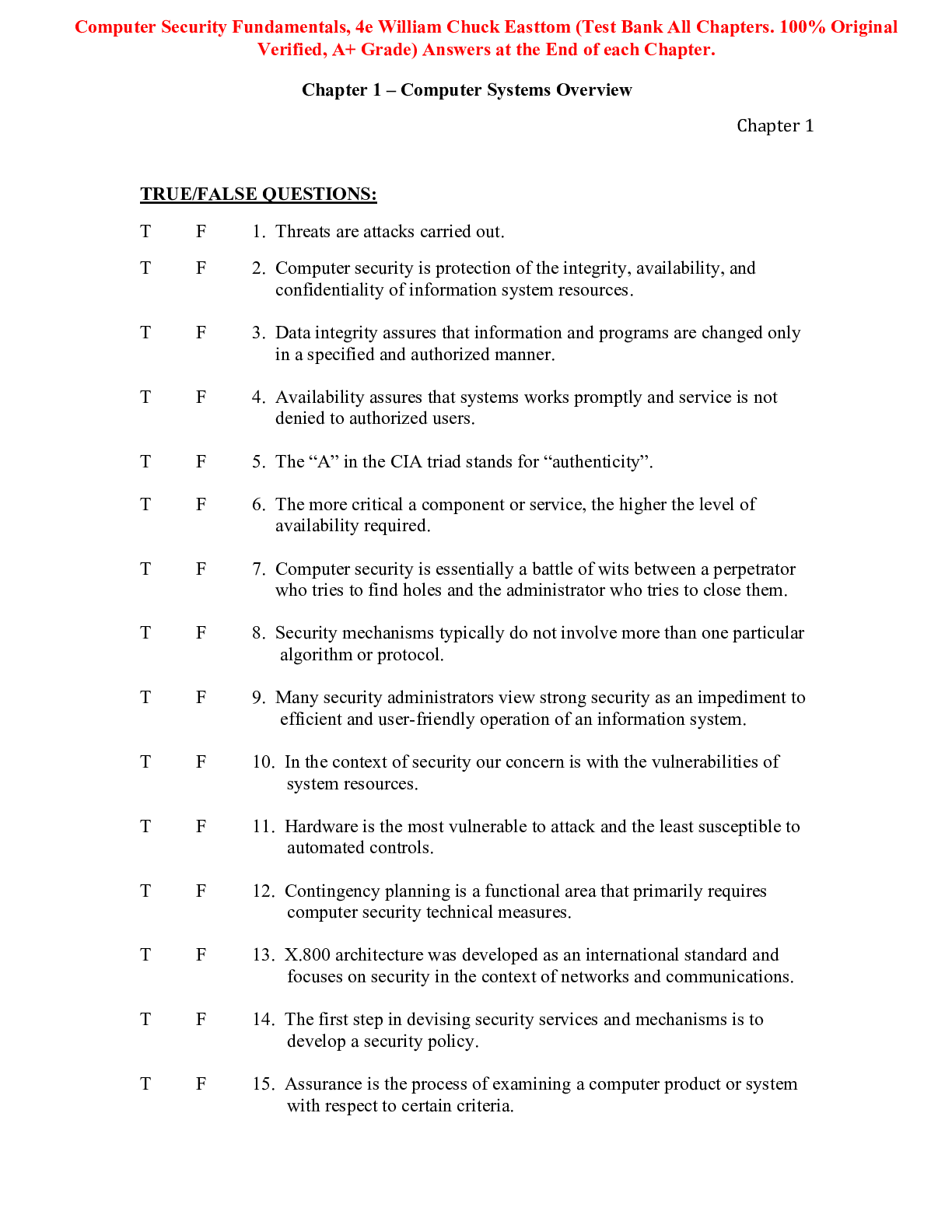
Test Bank for Computer Security Fundamentals 4th Edition By Wi...
 2022 test Bank.png)
AI-900 Microsoft Azure AI Fundamentals Certification exam test...
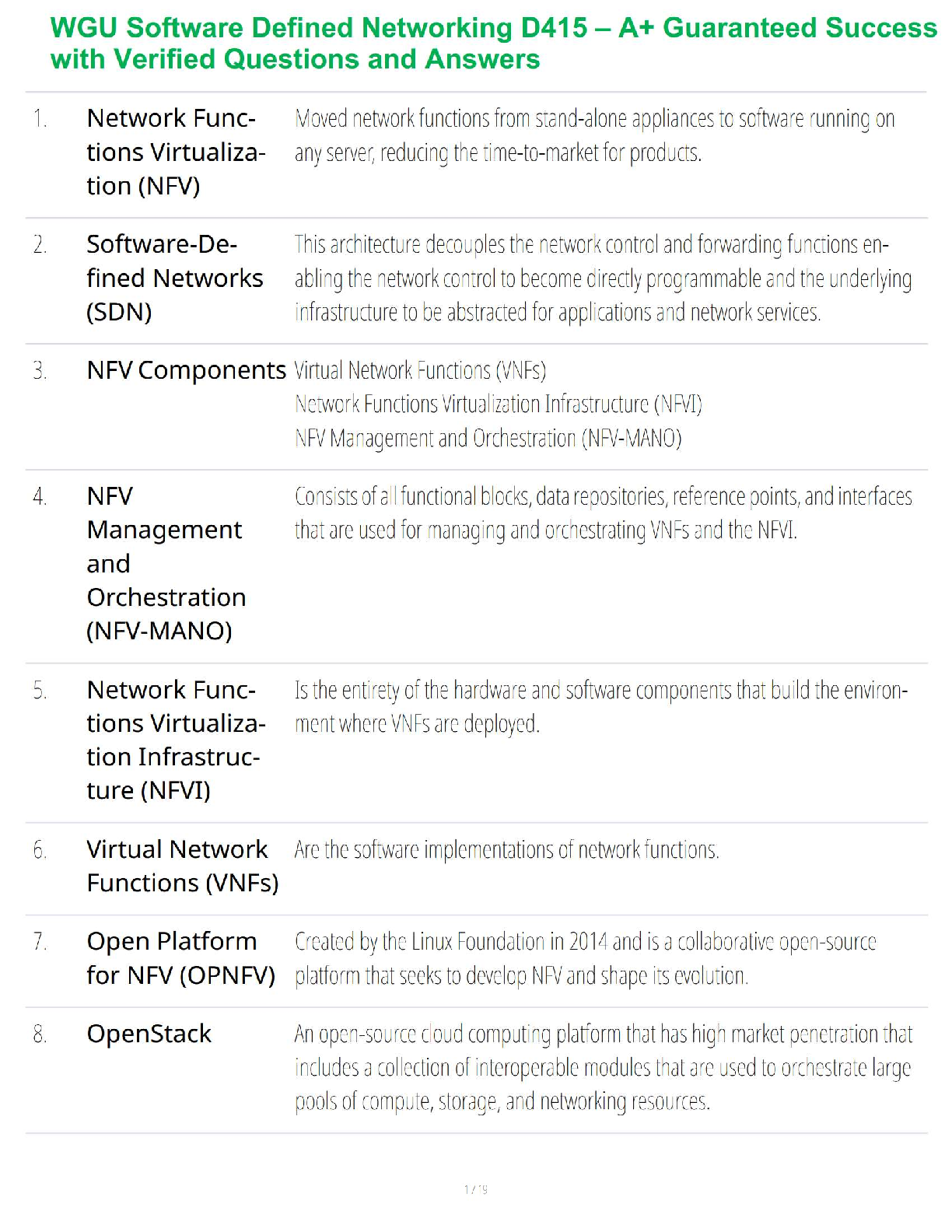
WGU Software Defined Networking D415 – A+ Guaranteed Success w...

ITN 277 Final Exam / Network Infrastructure & Security / 2025...
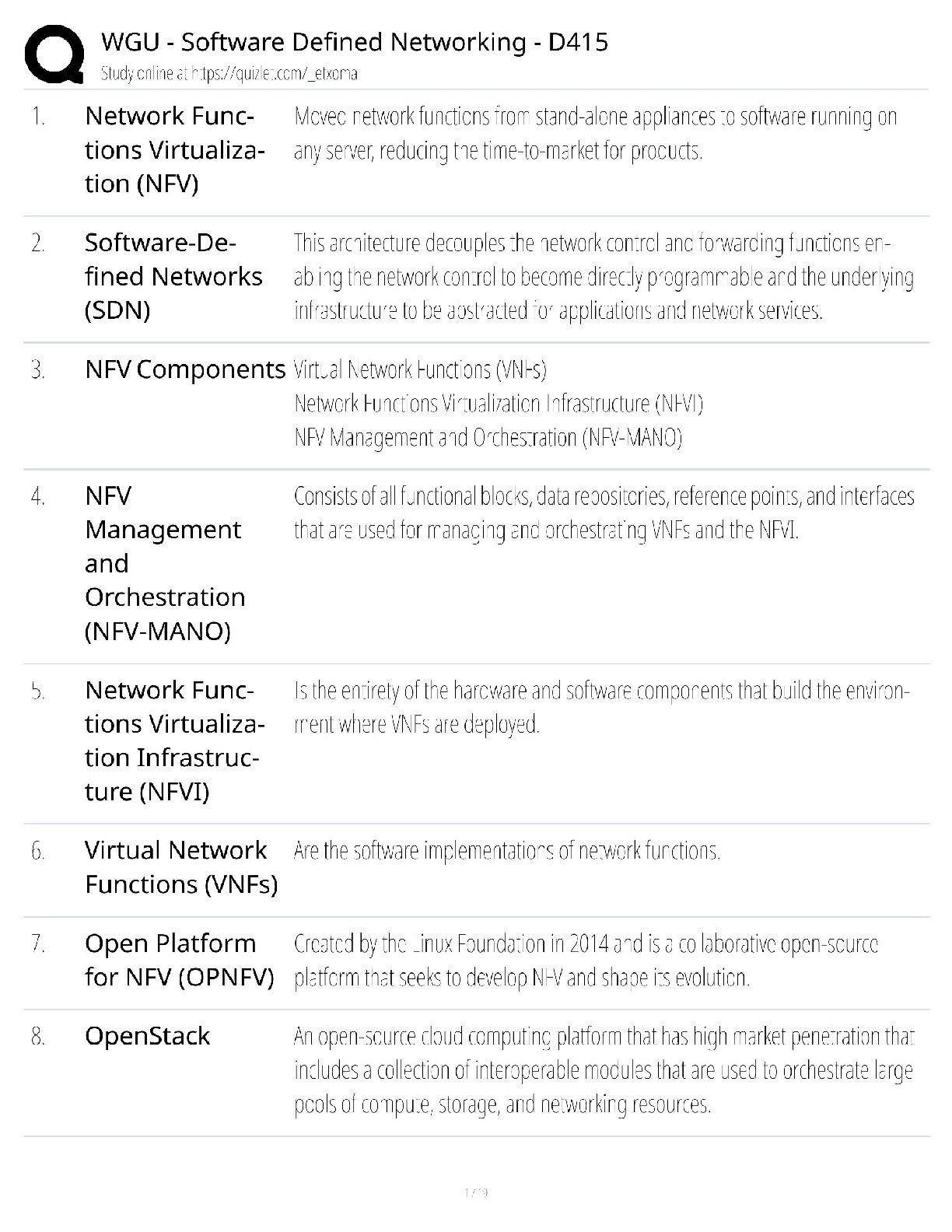
WGU D415 Software Defined Networking / SDN Certification Exam...


MTA 98-366 Exam / MTA: IT Infrastructure, Network Infrastructu...

COM 207 | COM207 EXAM 2 STUDY GUIDE - ARIZONA STATE UNIVERSITY

University of Maryland, University College CMIT 350 Cisco Netw...
University of Maryland, University College CMIT 350 Cisco Netw...

University of Maryland, University College CMIT 350 Cisco Netw...

.png)



.png)